What is cloud recording? How it works, how to use it, and its advantages and disadvantages
Mar 23, 2023
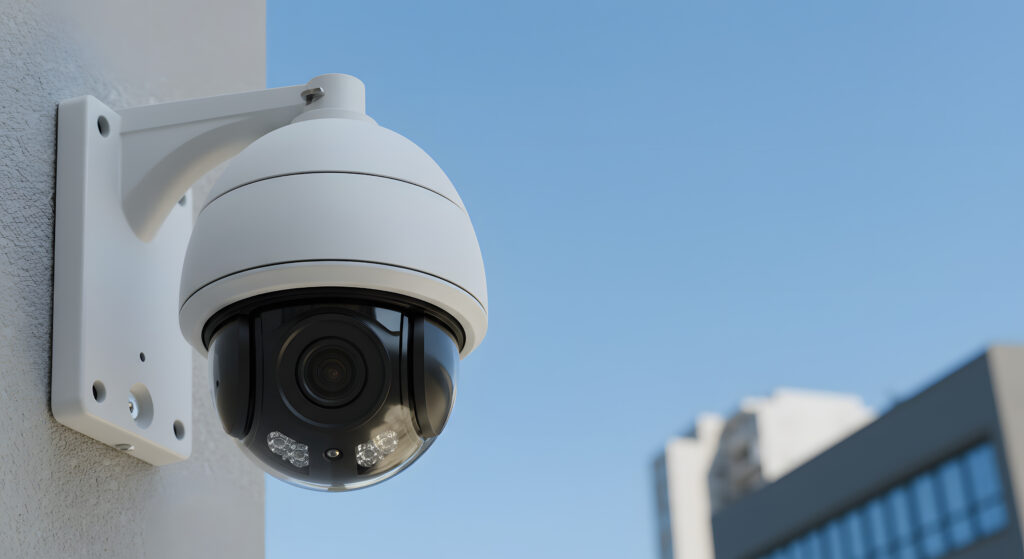
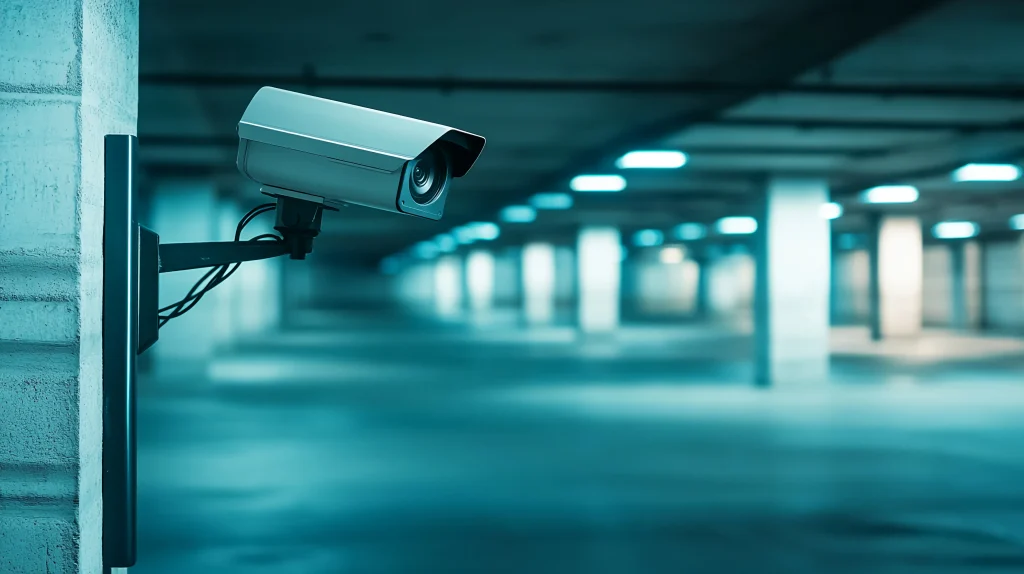
Surveillance cameras used for crime prevention and facility management record and store their video in various ways. Among them, cloud recording is widely used for remote monitoring and for checking video from multiple security cameras. Because video data is stored in the cloud, you can check video from a PC, smartphone, or other mobile device without going to where the cameras are.
This article explains how cloud recording works, how to use it, and its advantages and disadvantages.
What is cloud recording?
In conventional security camera systems, video and images were stored in the camera itself or in a recorder in a nearby control room. To check video, you had to go to the camera site and bring back the data on the SD card, or go to where the recorder, called an NVR (network video recorder) or DVR (digital video recorder), was located. Checking video often or from a remote location was difficult and inefficient.
Most security camera systems today are connected to the internet through a router or gateway (Japanese). This makes it possible to check video, detect camera failures, and restart stopped cameras remotely. They can be introduced without dedicated equipment or large systems as in the past, so they are being adopted widely, from home use to industrial use.
In recent years, cameras that connect to networks and cloud services have made it even easier to build surveillance camera systems. With cloud recording, camera video is stored in the cloud. You can then view camera video 24 hours a day, 365 days a year, from anywhere, with any PC, smartphone, or tablet that can connect to the internet. There is also no need to prepare servers in-house to store video, which makes management very simple.
Cloud recording is effective for storing video from surveillance cameras at widely dispersed stores and factories, and from cameras at dangerous outdoor locations where recorders or storage servers cannot be installed nearby. Cloud recording lets you use video data more efficiently.
How cloud recording works
Like PCs, network cameras installed at companies, factories, and stores are devices assigned an IP address, which works like an “address.” They can therefore connect not only to the company network but also to the internet, and video can be recorded on a recorder in the cloud.
With a cloud recording service, you need neither physical storage media to record network camera video nor software to compress video and images (encoding). Even video encoding is done in the cloud.
Integration with camera services
As cameras become more advanced, network cameras with PTZ (pan-tilt-zoom) functions for controlling the camera have appeared, and some services already offer them. It is also possible to have the cloud, with its high computing power, perform image recognition such as motion detection (Japanese), which detects people’s movement, face authentication, and people counting.
Advantages of cloud recording
Cloud recording of camera video has several advantages.
You can check video remotely
With cloud recording, you can easily check security camera video anytime, from anywhere, with a PC or mobile device that can connect to the internet. Video stored on a recorder that is not connected to a network can only be checked on site. Making an image storage server on the company network accessible from outside requires stronger security, which takes effort and money. With cloud recording, dedicated software or apps let you check video and images under strong security.
Lower installation and management costs
With cloud recording, you no longer need recorders or servers in-house to store surveillance camera video. This not only removes the cost of recorders and storage servers but also reduces overall management costs. You can easily change communication speed, storage capacity, and so on by changing the pricing plan, so you can adjust the system to your situation and budget.
Advanced processing such as detection and search
Some cloud recording services can analyze recorded video. With analysis functions, you can search for specific video and detect and get notified of suspicious movement. This lets you respond quickly when something happens.
Disadvantages of cloud recording
Cloud recording has many advantages, but it also has disadvantages.
Internet connection problems
Cloud recording of surveillance camera images uses public internet lines for data communication. This makes it easy to introduce, but problems with communication equipment can make the connection unstable and interrupt recorded data. To avoid this, you need a gateway that automatically switches to another stable line when the connection becomes unstable, or switches to saving to internal memory.
Rising service fees
Cloud recording services usually charge a monthly fee based on the number of connected cameras, the amount of data sent, and how long data is stored. As you add cameras or store more video for longer, service fees rise. You need to balance costs and choose a suitable service.
Risk of information leaks
If the security of your Wi-Fi environment is weak, there is a risk of intrusion from outside through malware and other means. Video data is encrypted when sent to the cloud, but the possibility of information leaks is not zero. Server downtime and data loss are also possible risks.
Cloud recording or a recorder: which do you need?
Recording methods other than cloud recording include an on-premises NVR (network video recorder) and storage media such as SD cards.
Differences between cloud recording and recorders
If you prepare physical recording equipment in-house, you need space to install it. For new factories or stores, you can plan the space in advance.
However, installing physical equipment in an existing environment means creating new space. This can also add costs such as wiring work. Cloud recording, on the other hand, needs neither wiring work nor new physical space.
Storage capacity also differs. An NVR can store video data on a large-capacity hard disk built into the unit. Small-capacity storage media such as SD cards, on the other hand, are not suited to continuous recording, for example to collect data in factories or to use customer flow in stores for marketing.
With cloud recording, by contrast, you can record video data to a large data area without buying physical recording equipment.
Examples of cloud recording
Cloud recording is used in many ways. Crime prevention in stores is a typical use, but it can also help prevent the abduction of newborns in hospitals and watch over and support older people in care facilities. Monitoring in factories lets you understand work status and apply it to production management. Installing cameras in stores to monitor customers and how staff serve them can also be used for marketing and staff deployment.
Summary
Cloud recording has many advantages. It lets you build remote monitoring systems that were previously hard to introduce and perform advanced image analysis. However, it also has disadvantages, so consider your environment, budget, and purpose carefully, compare services from different companies, and use it effectively.
Enhanced Video Management System: a hybrid of cloud recording and recorder-based recording
amnimo sells the Enhanced Video Management System, a hybrid of cloud recording and recorder-based recording that keeps the advantages of cloud recording while overcoming its disadvantages. Video is recorded on a device called an edge gateway, which reduces the risk of service stopping because of internet connection problems, as well as cloud communication and storage costs. At the same time, the edge gateway has communication functions, so you can access recorded data on the on-site device remotely. The edge gateway also runs an advanced VMS (video management system), so searching and processing video is easy.
For details on the Enhanced Video Management System, which combines the advantages of both cloud recording and recorder-based recording, see the product page (Japanese).
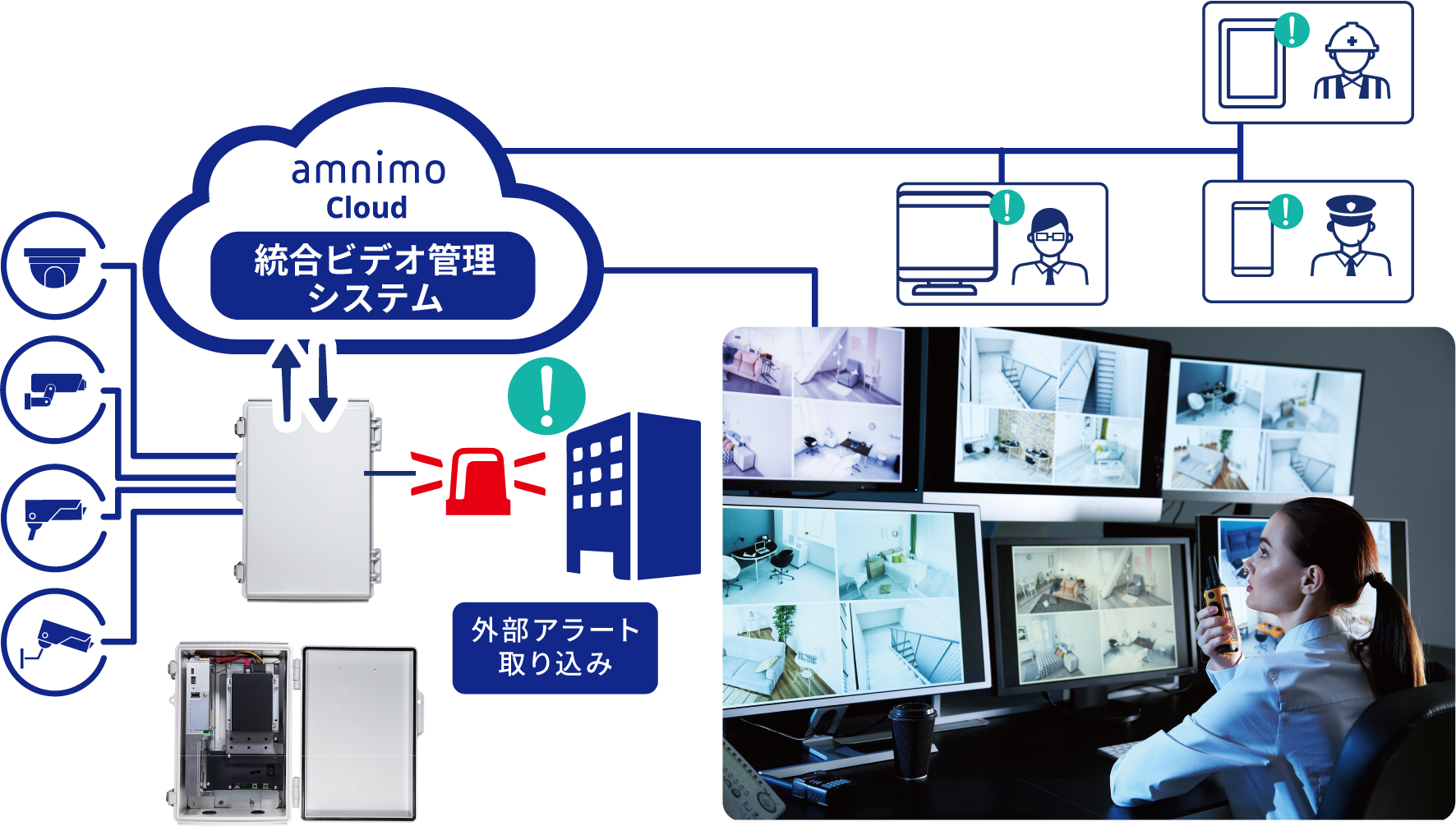
About the Enhanced Video Management System (Japanese)
amnimo is also developing the Cloud Video Recorder, which supports cloud recording. If you are interested, contact us.
About the Cloud Video Recorder (Japanese)
See also this document about the amnimo Enhanced Video Management System.
Recommended products

Products related to this article

Contact usProduct inquiries and documents
We can help you choose products and put together a package for your application. Consultations are free.