
Software
Video Management System (VMS)
Software based on Nx Witness
for viewing, recording, playing back, and searching camera video
A video management system is software for using video. It controls viewing, recording, playback, and searching of camera video.
Offered in Japan. Specifications and certifications are for use in Japan.
SituationsUse cases
Use cases that feature this product. Each link opens the products for that use case.
FeaturesFeatures
Software for viewing, recording, playing back,
and searching camera video
The Edge Gateways (Indoor and Outdoor) come with Nx Witness from Network Optix preinstalled as the VMS. To use the full functions of the preinstalled Nx Witness, sign up for the service with amnimo Inc. Fees for this software are based on the number of cameras you use.
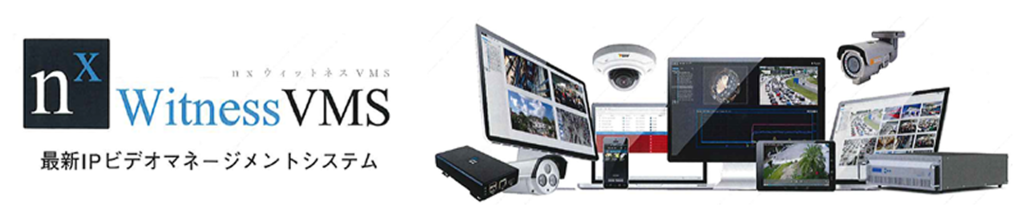
FeaturesNx Witness features
Find the video you need quickly with smart search
- Search video recorded by up to four cameras (*) connected to the edge gateway and extract the information you need.
- Smart search automatically finds the moments when something moved in a specific area of the screen (motion detection) and shows those scenes in sequence. This makes it well suited to surveillance and security camera systems.
- After an incident or accident, you can efficiently find and check scenes where something moved in a specific place
High-performance video management that works with many types of cameras
- High video display performance with 4K camera support for live viewing
- Prevents dropped frames during recording and playback. Automatically switches camera video streams and adjusts resolution to reduce CPU usage and bandwidth
- Works with a variety of applications
- Combine recording methods such as scheduled, real-time backup, high resolution, and low resolution
- Failover and failback
SystemExample configurations
System configurations and integrations Nx Witness: software that controls thedisplay, recording, playback, and search of camera … View example configurationsColumnsRelated articles
-
 Security cameras
What is a VMS, which expands what security and surveillance cameras can do?
Mar 23, 2023 -
 Security cameras
What is ONVIF, the standard to know when introducing network cameras?
Mar 25, 2023 -
 Security cameras
Motion detection in cameras: more convenient than human presence sensors or continuous recording?
Mar 25, 2023 -
 AISecurity cameras
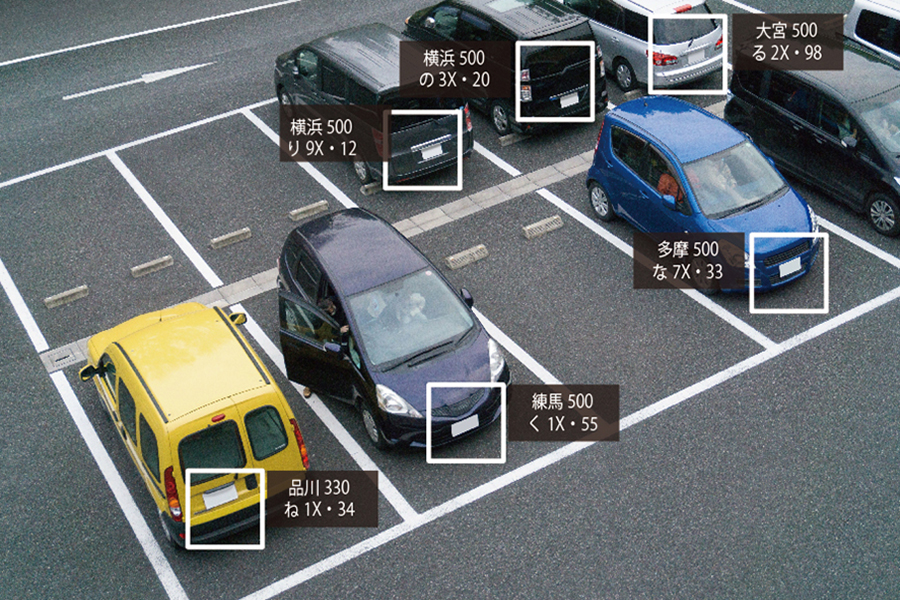
What is a license plate recognition system?
Mar 23, 2023
DownloadDownloads
Specifications, manuals, and videos
Before You StartCommon questions before purchase(We answer individually)
How much video can be stored in the cloud, and for how long?
Contact us with the products you use and your application (number of cameras, how long you want to keep video, and so on).
How much data does it use?
Contact us with the products you use and your configuration (number of cameras and so on).
How are costs broken down?
Tell us your device, cloud, and network configuration, and request a quote.
What should I check first when there is a problem?
Search the FAQ (Japanese) for your symptoms. If that does not solve the problem, send a request through the form on our support site (Japanese).
How is security handled?
See the Product security page for vulnerability handling and software updates. For questions about the security of this product, contact us.
Related ProductsRelated products

Contact usProduct inquiries and documents
We can help you choose products and put together a package for your application. Consultations are free.