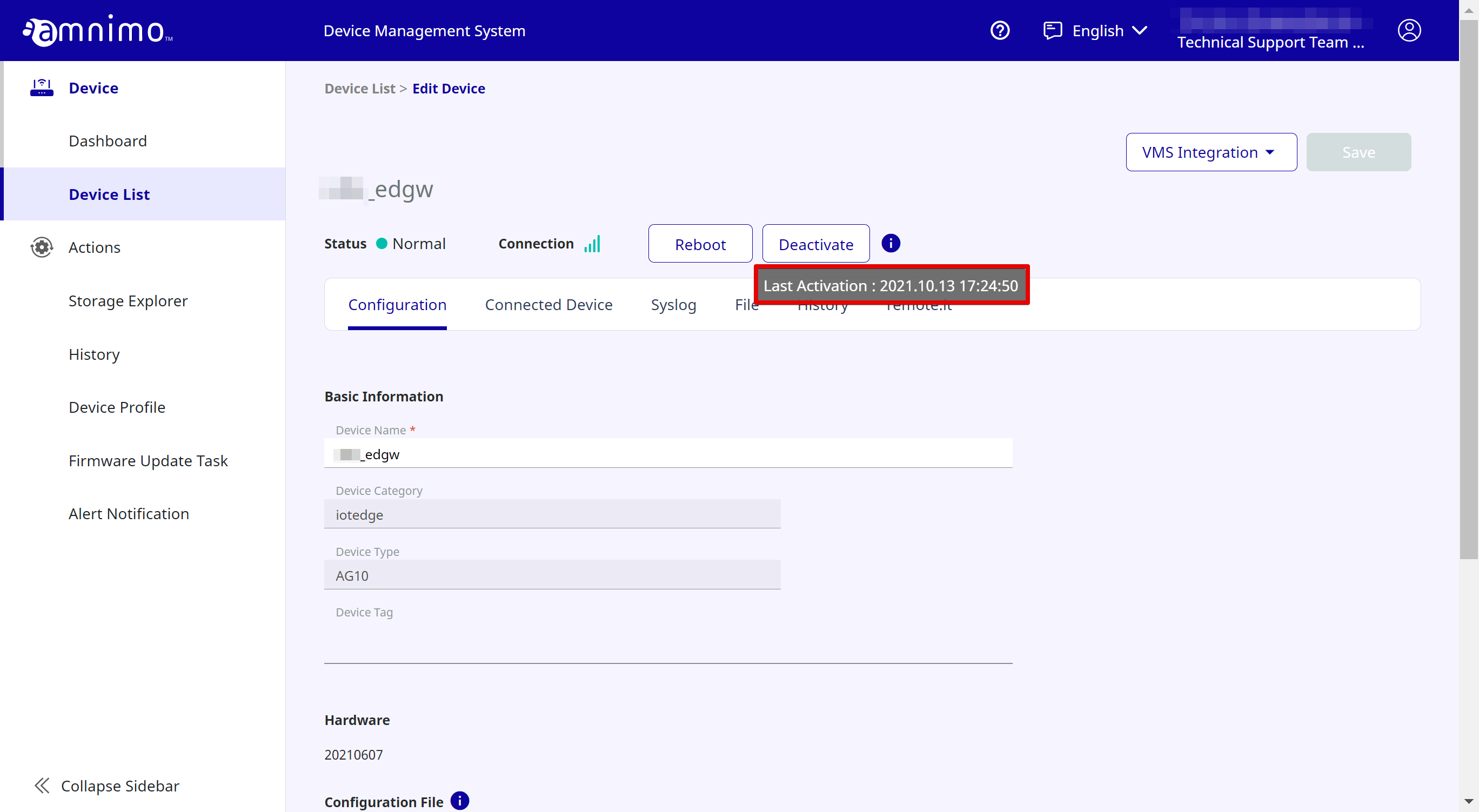
STEP 4 Activating the device
After you complete registering the credentials to the Device Management System(*), activate the device.
 |
If you are not using the Enhanced Video Management System or if you are using the AR series or AC10, you will not need to register the credentials to the Device Management System. |
If activating the device is completed, you will be able to monitor its status and perform various operations for it from the Device Management System.
How to activate the device
How to activate the device is explained.
-
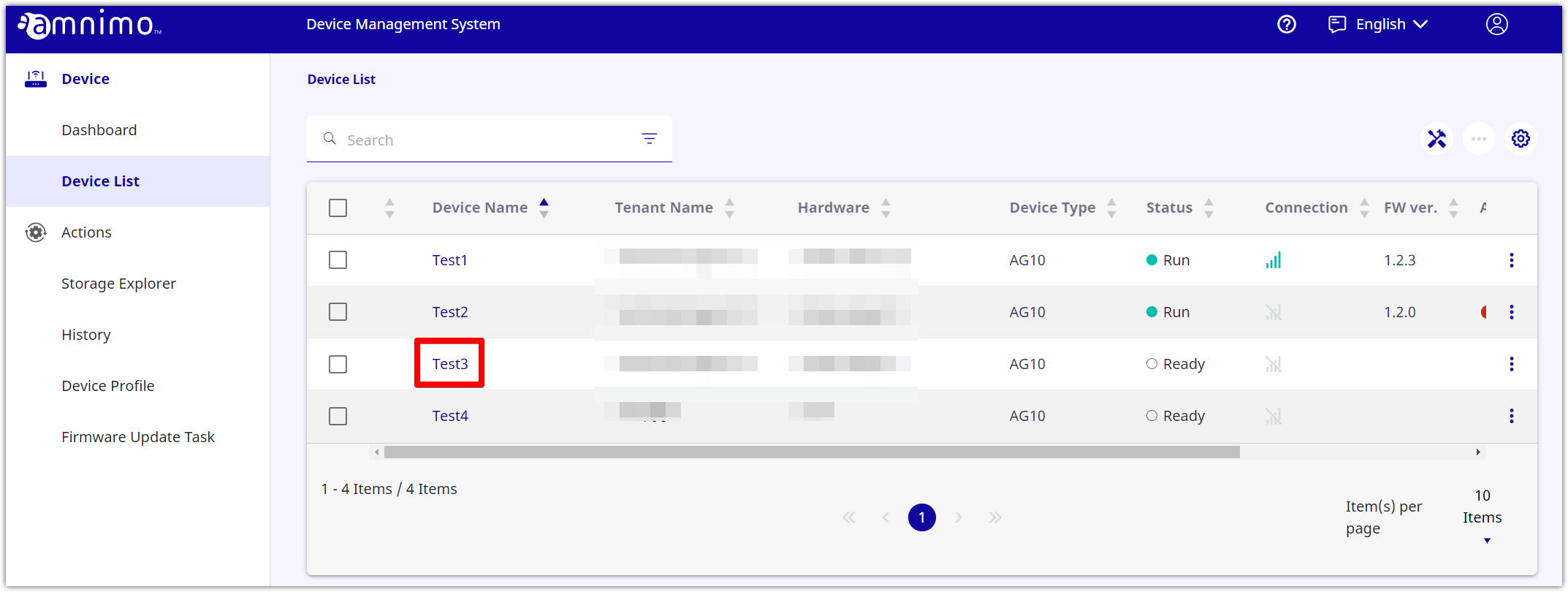
Open [ Dashboard ] or [ Device List ], find the target device, and click it.
-
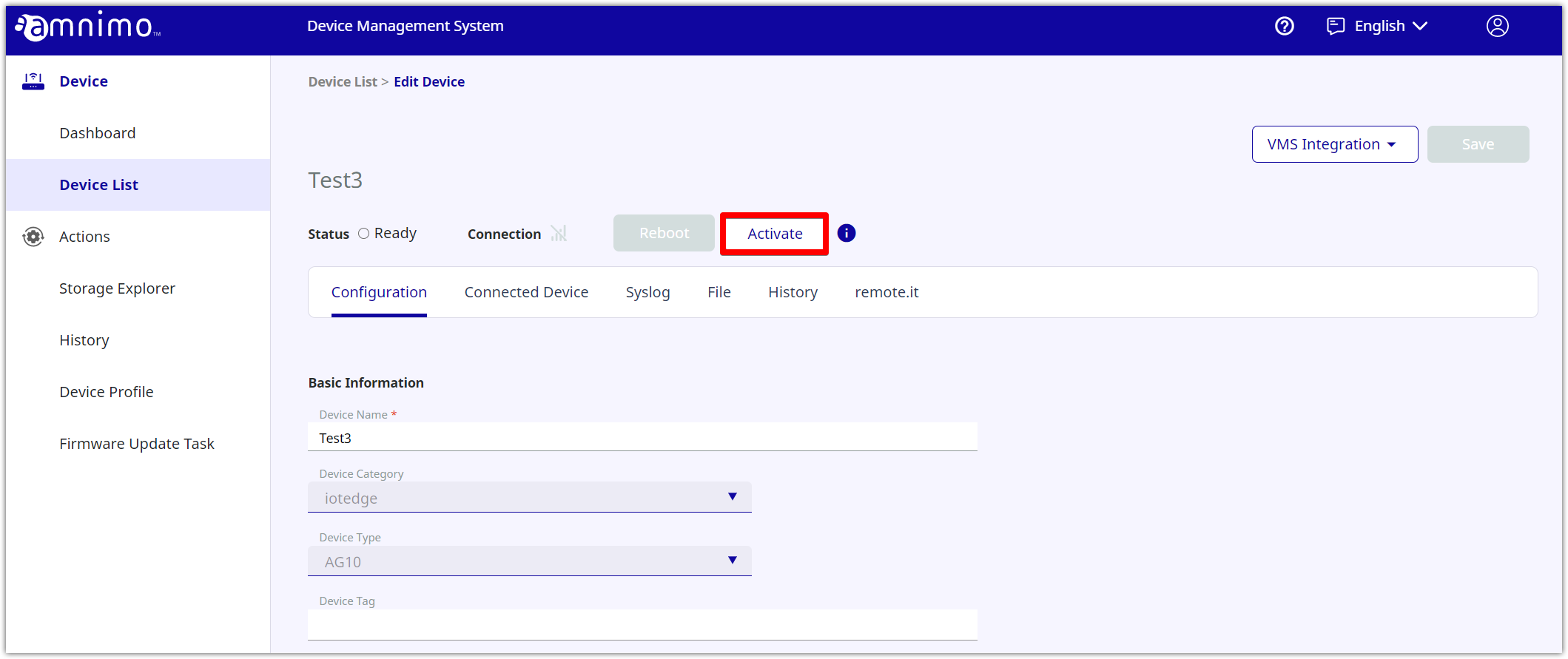
Click [ Activate ].
-
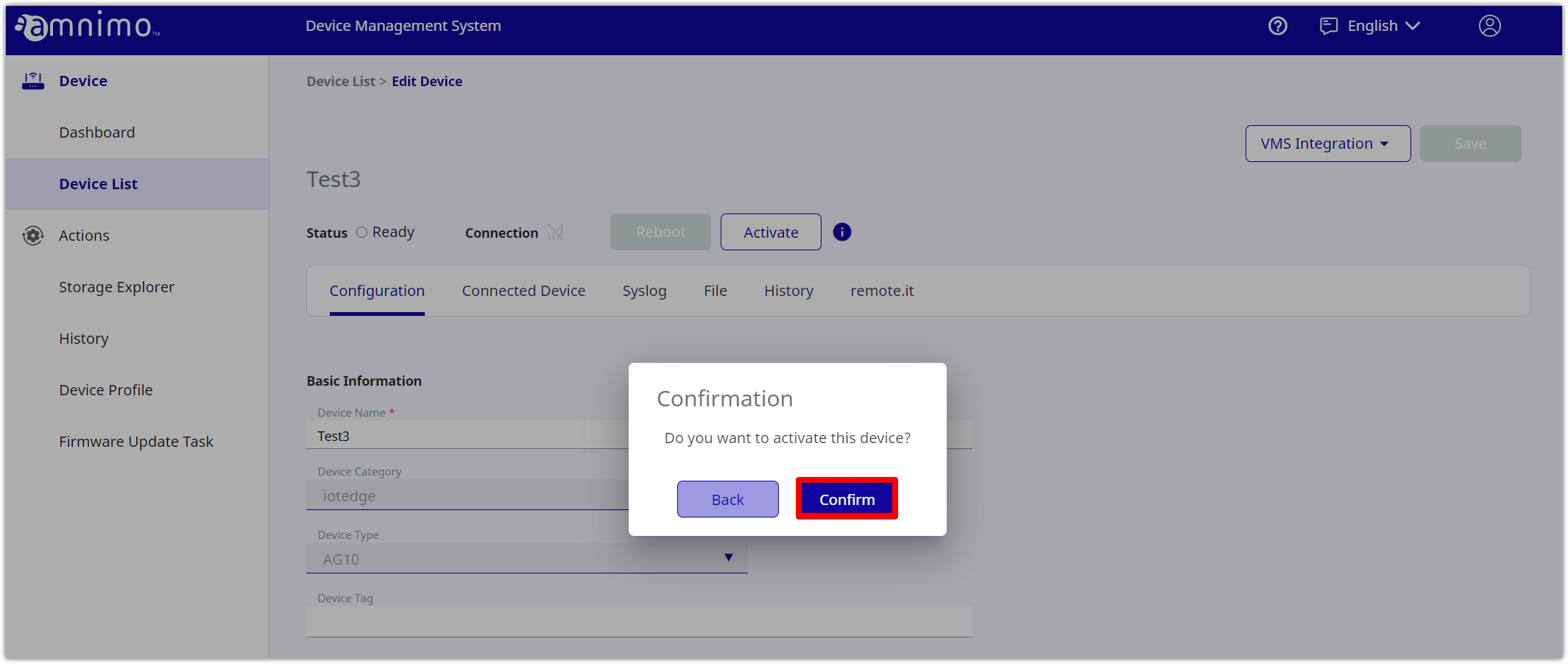
Click [ Confirm ].
-
If the device is connected to the Internet, its activation will be completed.
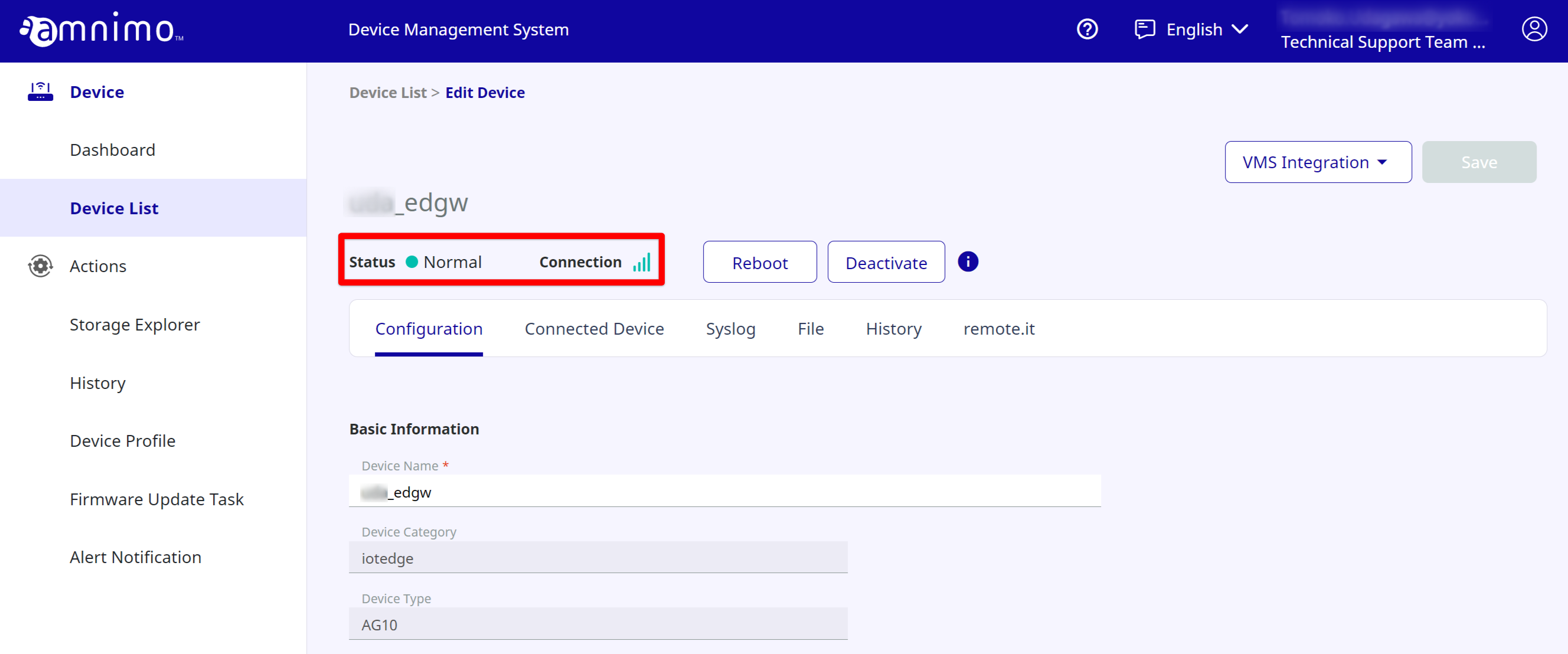
Also, you can check the activation time by placing the cursor over the icon.
icon.