STEP 5 Detecting cameras
You will detect cameras when adding new ones to an activated Edge Gateway or replacing existing ones connected to it.
 |
If you are not using the Enhanced Video Management System, or if you are using the AR series or AC10, you will not need to perform this procedure. |
If the device detects new cameras and sends their information to the Enhanced Video Management System, they will be registered to the Enhanced Video Management System.
How to detect cameras
-
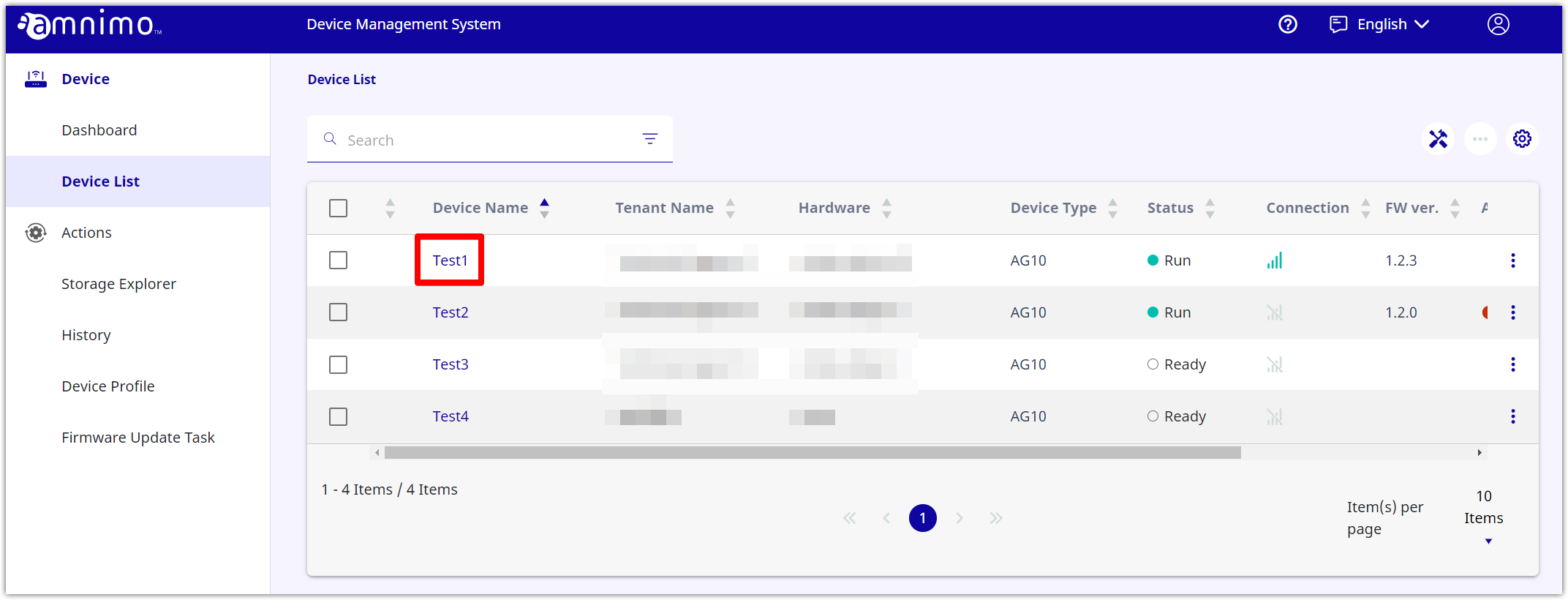
Click the target device.
-
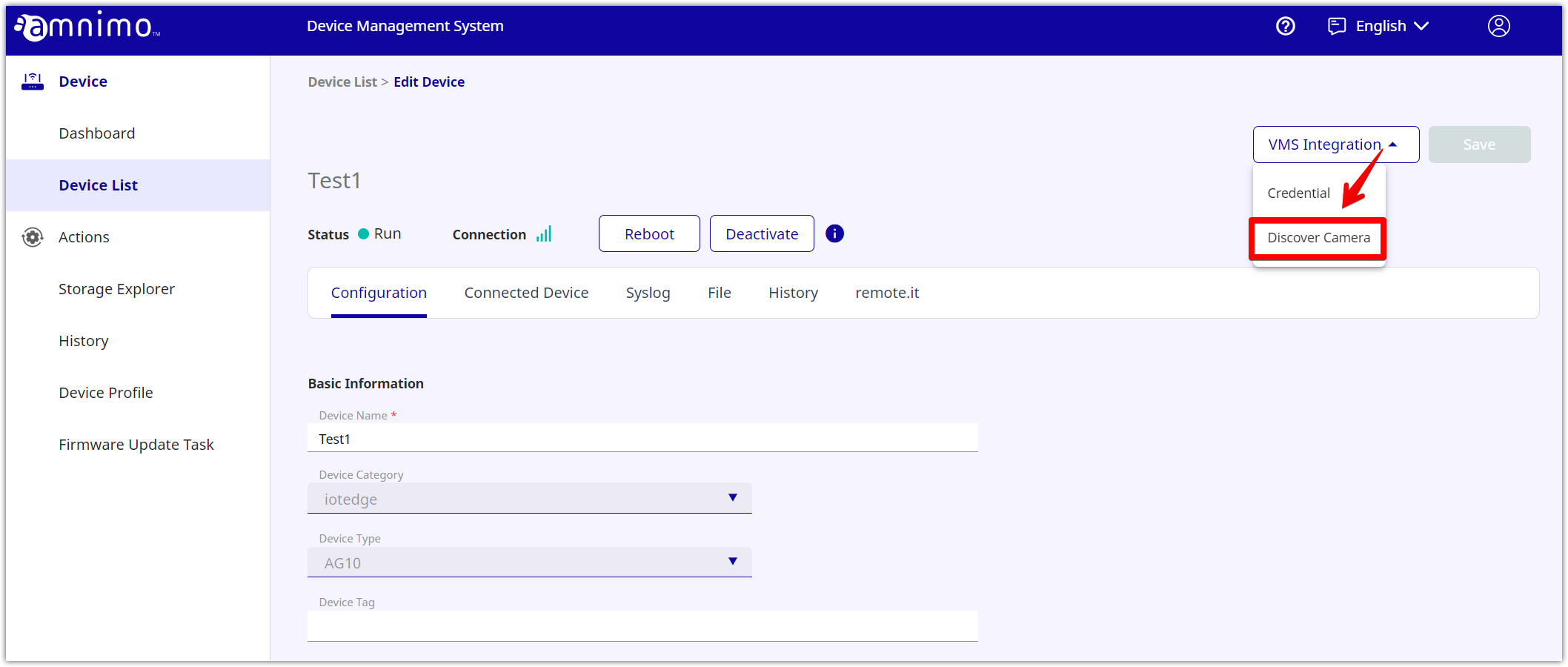
Click the [ VMS Integration ] button, and select [ Discover Camera ].
-
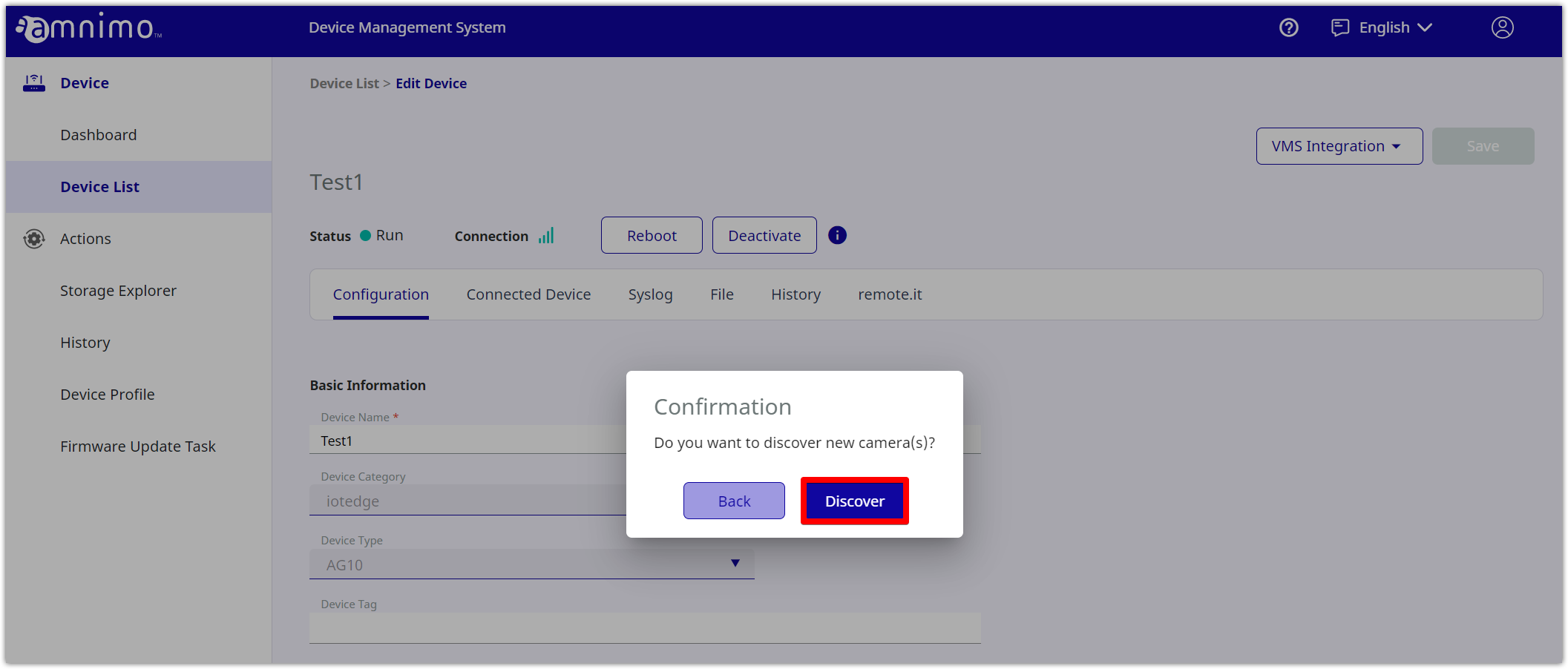
If you click [ Discover ], detecting cameras will be started.