What is ONVIF, the standard to know when introducing network cameras?
Mar 25, 2023

Network cameras (IP cameras), video recorders, and similar equipment follow standards. One of them is the ONVIF standard, in which many manufacturers in Japan and abroad take part.
However, several standards compete, and ONVIF itself has several versions. This article explains ONVIF as one of the things to watch when you set up a network camera environment or install security cameras.
Recommended documents
50+ related documents
Free download (Japanese)
ONVIF (Open Network Video Interface Forum) is an international standard for interface compatibility of network cameras, launched by the network camera makers Axis, Bosch, and Sony.
By August 2018, the number of conformant products had exceeded 10,000, so the ONVIF standard cannot be ignored when operating network cameras. In Japan, Canon, which acquired Axis, Panasonic, Yokogawa Electric Corporation, and others take part in the forum that promotes this standard.
The role of ONVIF
ONVIF standardizes and opens up interfaces so that conformant products work together smoothly. With a wider choice of equipment, network cameras and video recorders from different manufacturers can work together, and video network systems can be built flexibly.
The ONVIF standard also defines rules for getting information from network cameras, detecting events, optical control, PTZ (pan, tilt, zoom) control, and more, so network cameras and related equipment can be controlled with a single piece of software.
Specifically, for network cameras used as security cameras and for similar purposes, ONVIF enables external control so that the cameras can be used in video-based systems: recording video on external equipment, viewing video from external systems, controlling PTZ, and setting the resolution and frame rate of the video.
ONVIF profiles
Network cameras, video recorders, and other equipment use different communication protocols depending on the manufacturer. The ONVIF standard has updated its specifications by incorporating these manufacturer-specific mechanisms.
When the standard was created, it was defined by core specifications such as Ver. 1.0, Ver. 2.0, and Ver. 2.4, but devices with different versions could not communicate with each other. The standard was therefore reorganized into “profiles,” which made upward compatibility possible.
Profile S: controls camera recording and video stream transmission
Profile S lets you configure, request, and control video streaming over IP networks for network cameras and video encoders. This profile also covers PTZ control, receiving audio and metadata streams, and relay outputs.
Profile G: controls recording
Profile G lets you configure recording of video data over an IP network or on the device itself, and control search and playback. The controls in Profile G also support recording settings, starting and stopping recording, and receiving audio and metadata streams.
Standardized profiles
| Profile | Overview | Release year |
|---|---|---|
| S | Access control settings and more | 2012 |
| C | Site information, event and alarm management, and door access control | 2013 |
| G | Video recording and storage | 2014 |
| Q | Easy setup, quick start, control of conformant devices, and more | 2016 |
| A | Access control configuration | 2017 |
| T | H.265 support, motion detection, metadata streaming, and more | 2018 |
| D | Access control peripherals | 2020 |
| M | Metadata communication and analytics event handling for smart applications | 2020 |
ONVIF support
You can check which profiles each product conforms to on the official ONVIF website.
Many products support ONVIF
Most security cameras sold today that connect externally over IP support ONVIF profiles. Almost all support Profile S, but which other profiles they support differs by product. Security cameras on the market usually list the ONVIF profiles they support in their specifications, so check before you choose.
Software used to control cameras with ONVIF
Software that runs outside security cameras and performs various controls on the video they record is generally called a VMS (video management system). A VMS generally supports ONVIF profiles and works with network cameras that support them to record video from the cameras and make it viewable from external systems.
amnimo IoT devices with a preinstalled VMS
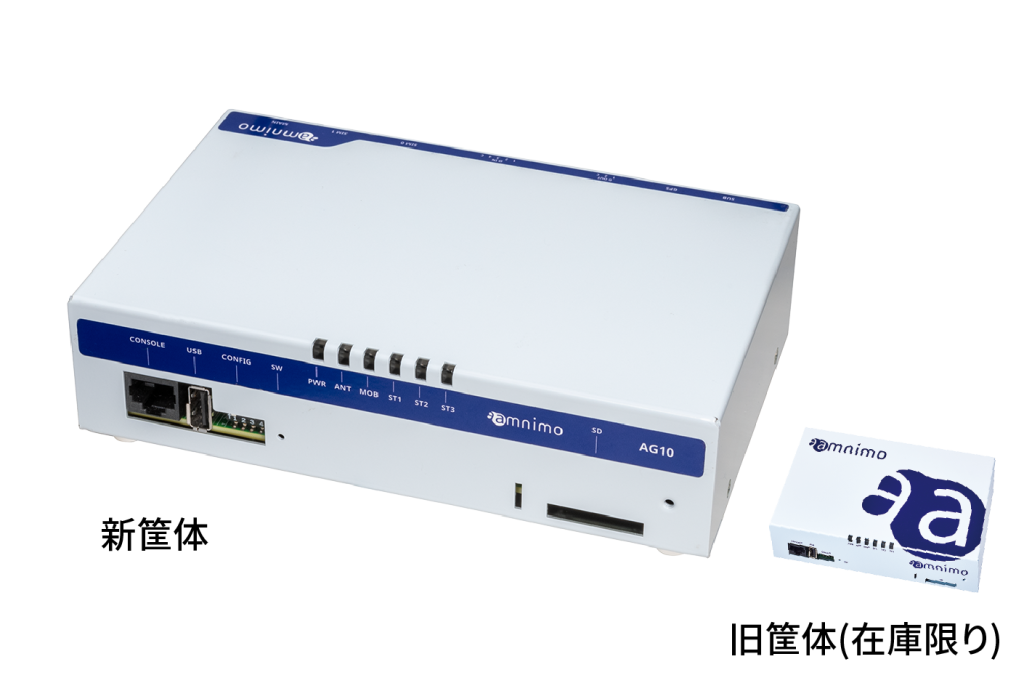
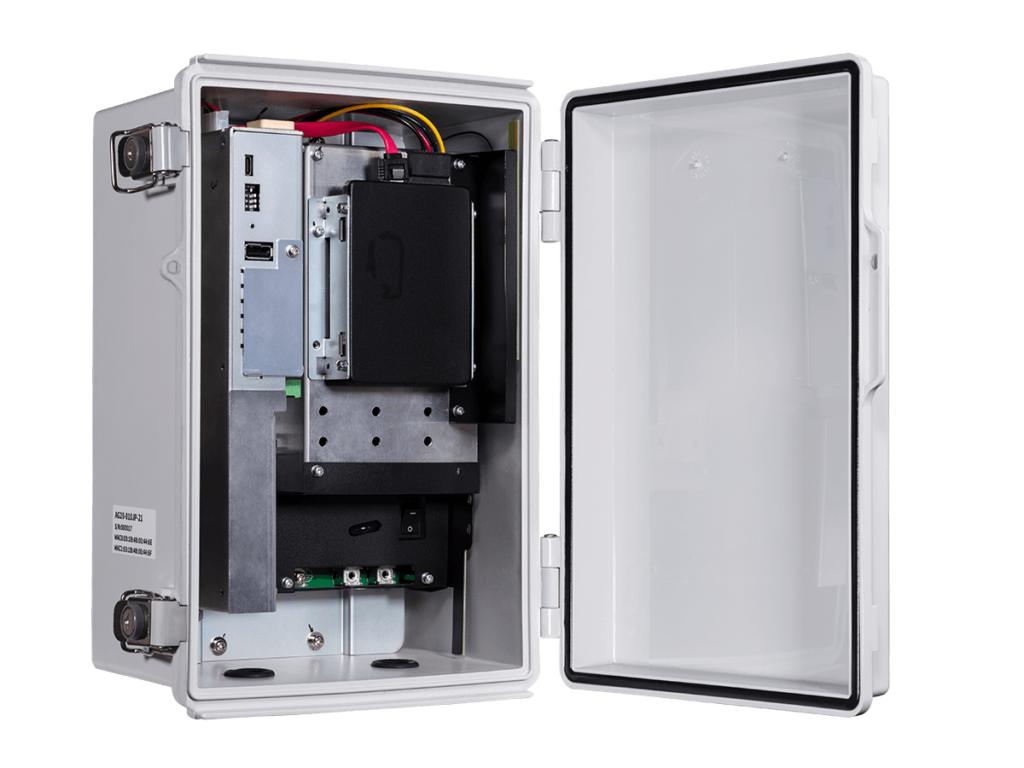
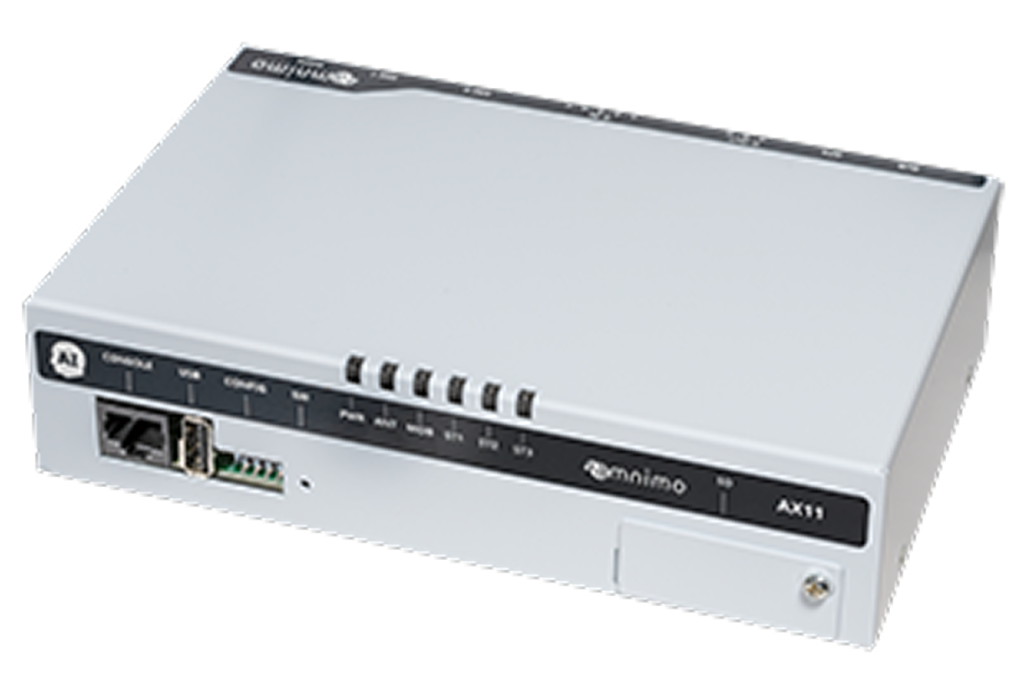
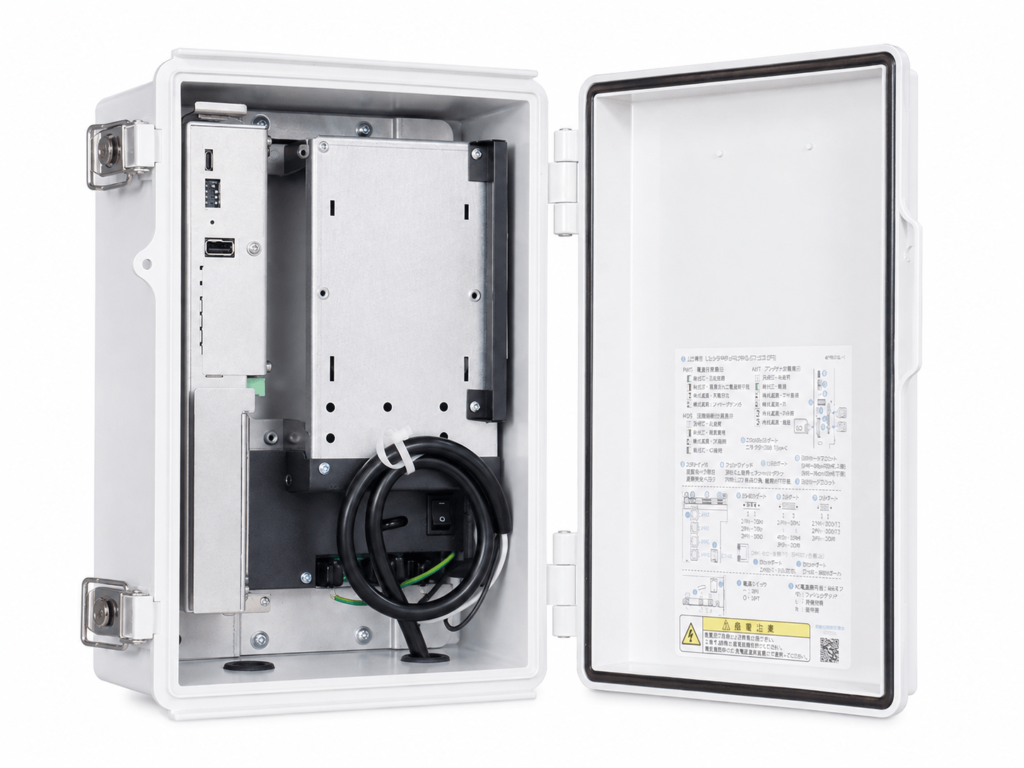
amnimo’s Edge Gateway (AG series) and AI Edge Gateway (AX series) devices come with two types of VMS preinstalled. These VMS support ONVIF profiles and work with ONVIF-compatible IP cameras to make use of the recorded video. The two VMS are described below.
Nx Witness: A VMS developed and sold by Network Optix of North America. It runs without placing a heavy load on the CPU. Besides Windows, it is also available for Linux, so it can run on IoT devices with relatively low-performance CPUs.
amnimo VMS: A VMS developed in-house by amnimo. It basically works with the Enhanced Video Management System, amnimo’s cloud video service. It limits functions in exchange for a low CPU load and lightweight operation.
For details on amnimo devices with a VMS, see the links below.
Recommended products
Summary
ONVIF has grown into a major network camera standard and brought great convenience to both manufacturers and users. Even so, it is hard to cover every network camera and related device, so when setting up a network camera environment, consulting an expert, for example about which devices conform, is essential. An expert can provide the network camera solution you want.
Recommended documents
50+ related documents
Free download (Japanese)
Products related to this article

Contact usProduct inquiries and documents
We can help you choose products and put together a package for your application. Consultations are free.