What is a VMS, which expands what security and surveillance cameras can do?
Mar 23, 2023
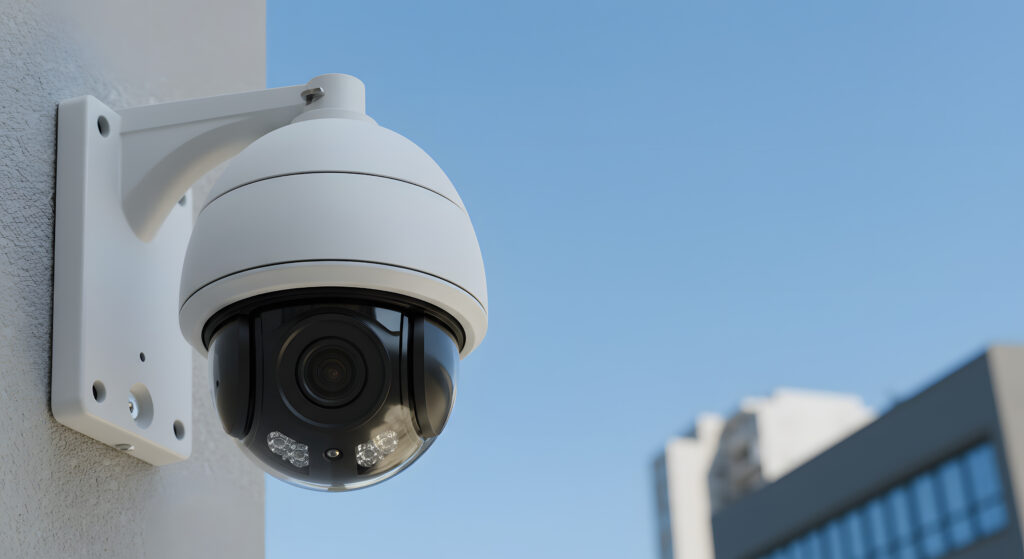
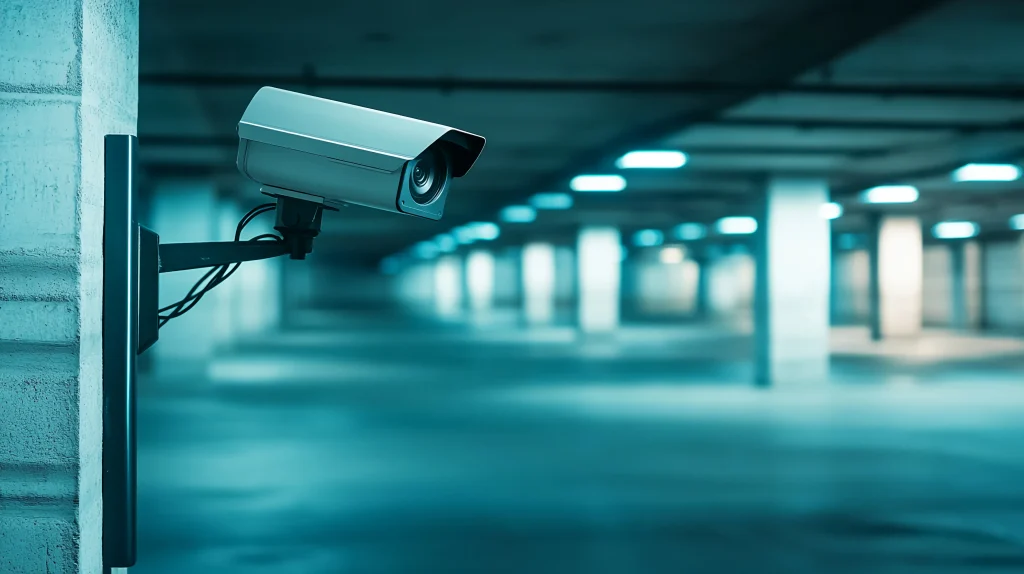
Surveillance and security cameras were sometimes installed mainly for their deterrent effect on crime. Today, however, there is strong demand to make use of the recorded video. The key to meeting this demand is the VMS (video management system).
What is a VMS? What functions does it have, and in what situations is it used? This article gives an overview of VMS and explains its role and use cases.
What is a VMS?
VMS stands for “video management system.” It is software or a service that controls the display, storage, search, and transmission of video recorded by security and surveillance cameras. It is sometimes called video surveillance software or an integrated recorded video management system, but these can basically be considered the same service.
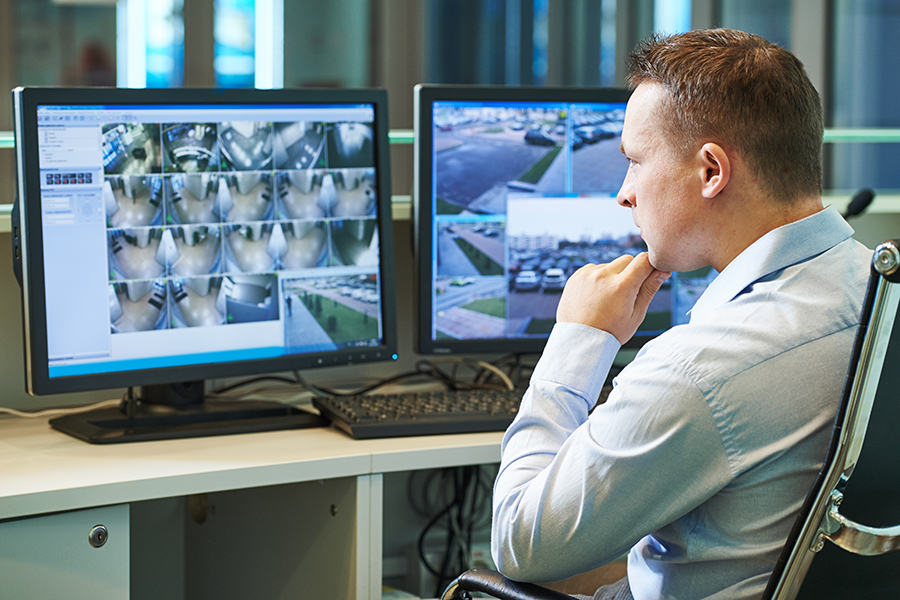
For example, a VMS is used to build a system that centrally manages video from multiple surveillance cameras in a facility, such as from a monitoring room.
It is drawing attention as a system that improves facility security and makes security work more efficient.
What a VMS can do
What exactly can a VMS do? The typical functions of a VMS are described below.
Viewing camera video remotely
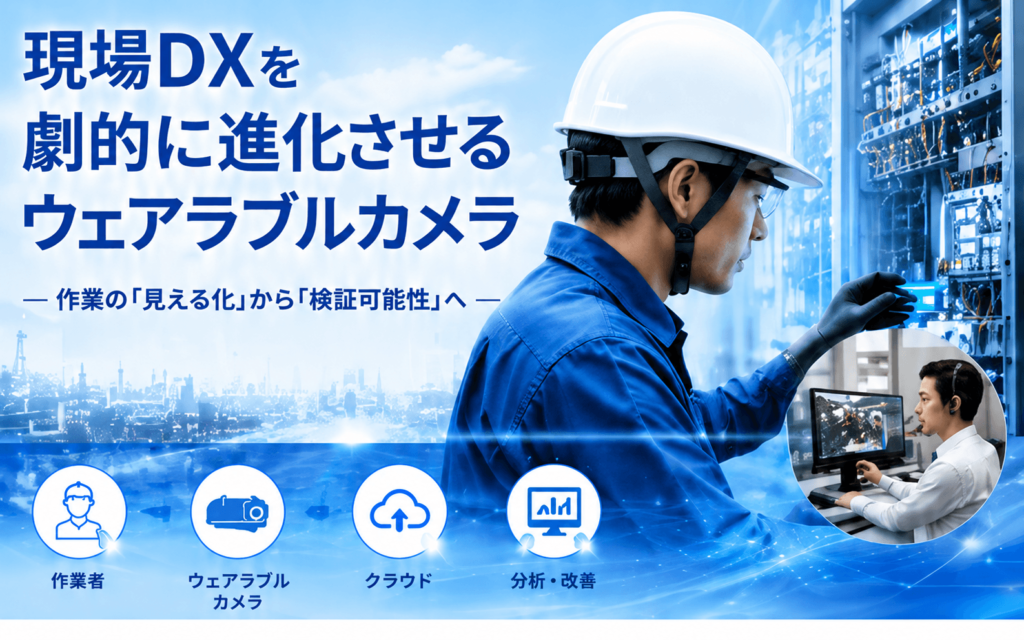
Video is sent through the cloud so that you can check the site remotely. You can build a remote management system for video from surveillance cameras at multiple sites. Besides setting up security without visiting the site, it is drawing attention as a way to reform work styles in production sites such as factories, where this was thought to be difficult. Especially during the COVID-19 pandemic, many companies have reduced the number of people coming to work by using remote monitoring systems with a VMS.
Managing and recording video from multiple cameras
With a VMS, you can check video from multiple surveillance cameras installed in a facility. This is especially useful in large facilities or facilities with several floors. Video data from each camera is recorded, so you can view or download it later. It helps find out what happened when an incident or accident occurs, and understand the situation when equipment problems occur at production sites.
Detecting unusual events in video
A VMS can also detect specific events in recorded information. For example, it can detect an event such as a door being left open and pick out the video of that moment. When it detects what seems to be an unusual event, it can send an alert in real time to the staff member’s PC or smartphone. This function enables more reliable security.
Where VMS is used
Transportation and public facilities
Stations, airports, concert venues, and other places used by many people have security systems built with a VMS and surveillance cameras for crime prevention.
Production and manufacturing plants
Factories run many machines, and a VMS is used to watch their operating status. In recent years, it has also become common for managers to view VMS video remotely and give instructions to on-site workers as needed.
Care facilities
Care facilities use a VMS to watch over older residents. It can manage room entry and exit with face authentication, prevent wandering at night, and show how night staff are working.
Schools
Schools use face authentication with a VMS to track when children arrive at and leave school. The system can also email parents as soon as it detects arrival or departure.
Retail stores and supermarkets
Retail stores and supermarkets introduce a VMS mainly to prevent shoplifting. Faces of persons of concern can be registered in advance, and an alert email is sent to staff as soon as a surveillance camera spots them.
How to choose a VMS
Many VMS products are now being developed and released, so customers have plenty of choices. Here are the key points for choosing a VMS.
Ease of use of the UI (user interface)
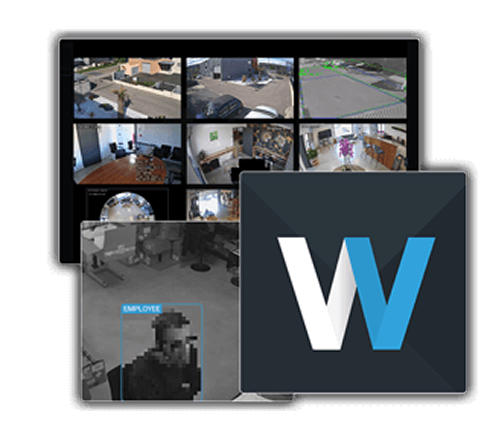
A VMS with an easy-to-use UI that lets you do what you want without reading the manual can be introduced smoothly. The amnimo edge gateway (Japanese) comes with Nx Witness (Japanese) preinstalled, which is well received for its simple, intuitive UI. Its fast, lightweight operation is also valued.
Supported cameras
Supported cameras differ by VMS. If there are cameras you want to introduce or already use, choose a VMS that supports them. Note that, assuming the VMS runs outside the camera, cameras generally support a control method called ONVIF (Japanese).
Security and backup functions
If multiple people will use the VMS, choose a product with reliable user management. If you want stronger security, we recommend a VMS that can back up data to multiple specified storage locations.
Summary
A VMS expands what security and surveillance cameras can do and enables stronger security. VMS products come with many different specifications, so find the one that suits your use.
Recommended products
Contact usProduct inquiries and documents
We can help you choose products and put together a package for your application. Consultations are free.