
Cloud applications
Device Management System
Maintain and operate devices and cameras remotely from the cloud
The Device Management System (DMS) is a cloud application service that works with edge gateways and IoT routers. It lets you maintain and operate devices at multiple sites and remote locations without going on site.
Offered in Japan. Specifications and certifications are for use in Japan.
SituationsUse cases
Use cases that feature this product. Each link opens the products for that use case.
FeaturesFeatures
Maintain and operate devices and cameras remotely from the cloud
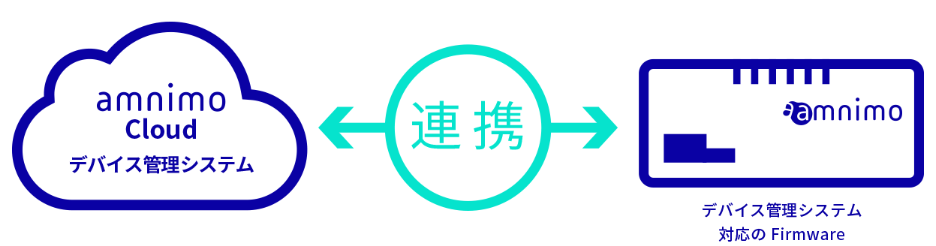
Do everything from initial setup to post-installation operation remotely
- Cloud integration lets you do the tasks from initial device setup through post-installation operation remotely
- Minimizes site visits for device maintenance and reduces maintenance costs
- Automatic initial setup handles all settings automatically
- No need to log in from a PC for each task, which greatly simplifies the work
- Remote log collection and configuration transfer when replacing a failed device make troubleshooting more efficient
- An MQTT connection to each device is always open, so the cloud can send control commands to devices at any time
- If the network disconnects, the session recovers automatically when the network comes back
FeaturesFeatures
Device maintenance and operation functions in the cloud
Initial setup and installation
- Automatic initial setup over the network simplifies configuration
- Power on the device with an Ethernet connection to the internet, and all settings are applied automatically in one go
Managing devices in the field
- Remote firmware and device configuration updates
- Fix vulnerabilities and bugs on running devices without much effort
- Change the settings of running devices remotely
Troubleshooting and failure response
- Device health monitoring and remote reboot
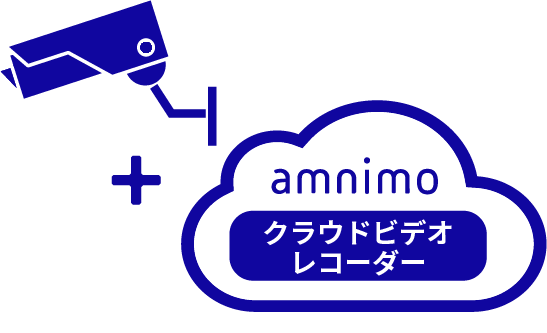
- Health monitoring and remote reboot work not only for the device itself but also for cameras powered over PoE (supported models only)
- Device operation log collection
- Analyze the cause of a problem in detail
- Configuration transfer when replacing a failed device
- Copy the original device’s settings to the replacement device in a few simple steps
Easy operation from a browser
- See the status of multiple devices in a list
- Easily filter devices with active alarms
- Operate individual devices with a click
SystemExample configurations
System configurations and integrations Maintain and operate devices and cameras remotely from the cloud The Device Management Sy… View example configurationsCasesCase studies for this product
View all case studies and use cases for this productCases & Columns事例・関連コラム
-
 Security cameras
What is device health monitoring, now in demand for surveillance cameras? Its benefits and how to implement it
Mar 23, 2023 -
 Video solutions (security)
How to reduce the “hidden costs” of a security camera system while making it more efficient
Nov 28, 2023 -
 Video solutions (security)Video solutions (maintenance)
How can local governments operate security cameras more efficiently?
Jan 18, 2024 -
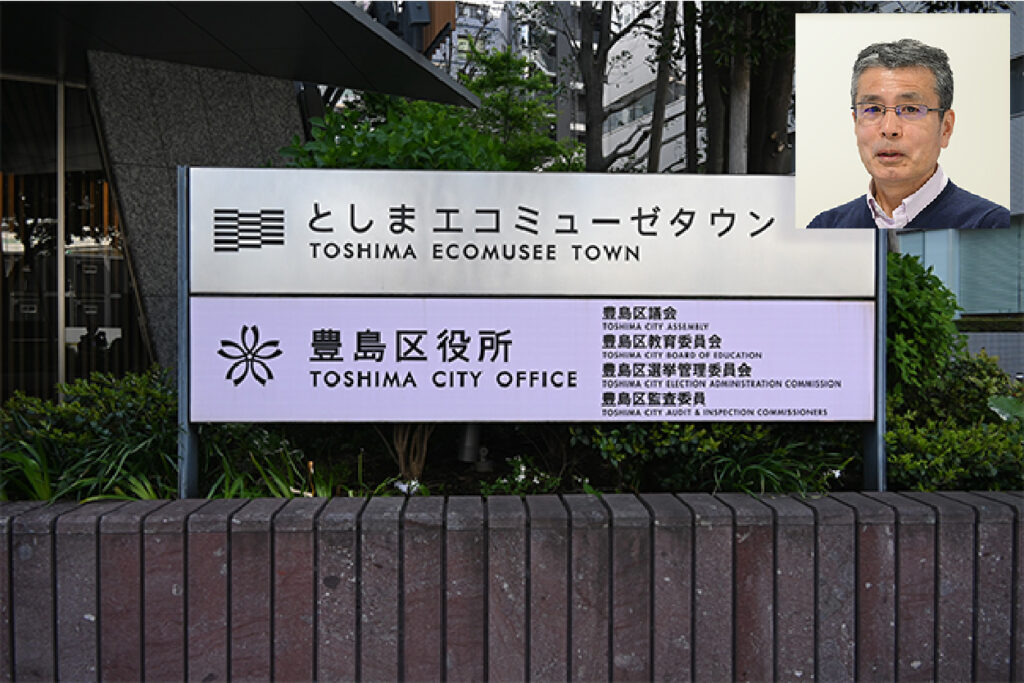 Case studies and use casesCase studies
More effective park management and monitoring with IoT security cameras
May 29, 2025
DownloadDownloads
Specifications, manuals, and videos
Before You StartCommon questions before purchase(We answer individually)
How much data does it use?
Contact us with the products you use and your configuration (devices you connect, data you send, and so on).
How are costs broken down?
Tell us your device, cloud, and network configuration, and request a quote.
What should I check first when there is a problem?
Search the FAQ (Japanese) for your symptoms. If that does not solve the problem, send a request through the form on our support site (Japanese).
How is security handled?
See the Product security page for vulnerability handling and software updates. For questions about the security of this product, contact us.
Related ProductsRelated products

Contact usProduct inquiries and documents
We can help you choose products and put together a package for your application. Consultations are free.