
Package solutions
Direct Bridge Package
Direct access to remote sites
(1) Check and operate factory and facility equipment from headquarters
(2) Connect PCs, PLCs, and instruments without replacing them
(3) Quickly add networks to stores and temporary sites
Offered in Japan. Specifications and certifications are for use in Japan.
SituationsUse cases
Use cases that feature this product. Each link opens the products for that use case.
FeaturesFeatures
A package product that connects two distant sites securely and easily
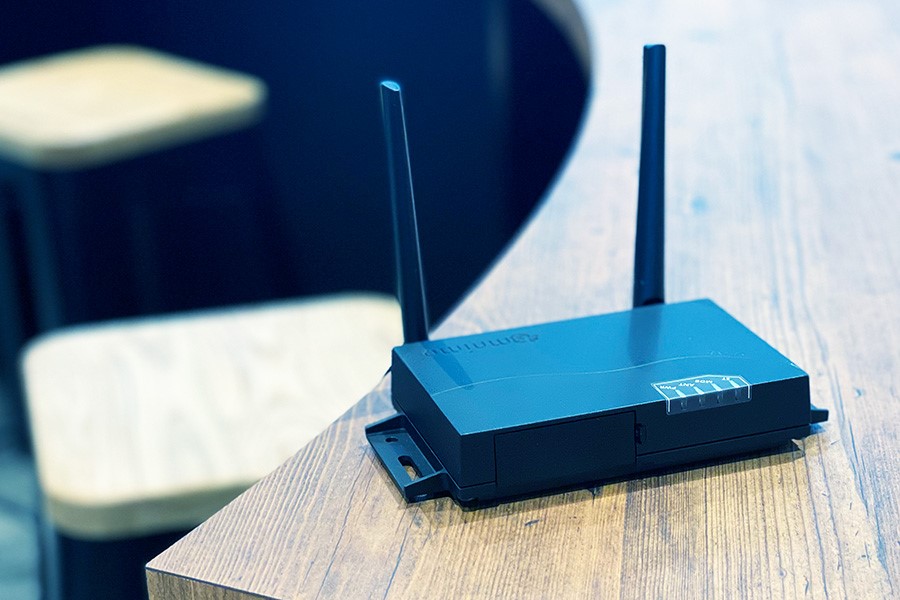
- A set of two preconfigured AR10 units
- No specialized network knowledge or complex configuration required
- Secure site-to-site communication over LTE
Direct Bridge Package overview
Secure site-to-site communication from the day you power it on. The two AR10 units build a VPN between them automatically. IP addresses and ports are not exposed to the internet, which reduces the risk of unauthorized access and cyberattacks.
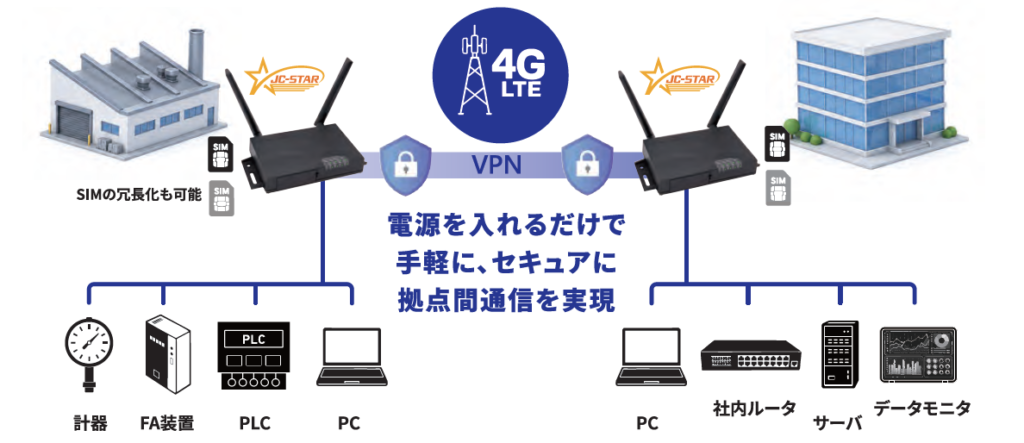
- Check and operate equipment from headquarters without going on site
- Connect existing PCs, PLCs, and industrial equipment as they are
- Add stores, temporary sites, and remote locations
*This product and service is provided by To-No Security, Inc. If you decide to adopt it through an introduction from amnimo:
• To-No Security, Inc. sells the devices and provides the service subscription. We will guide you through the contract procedures, but please submit the actual application to To-No Security, Inc.
• To-No Security, Inc. also handles all procedures after you start using the service.
FeaturesFeatures
A simple configuration with a set of two units
- The units ship preconfigured, so you do not need to do any complex setup. Once you decide which equipment to connect and the two sites, deployment goes smoothly.
- Two units: server and client
- SIM cards preinstalled
- Minimal changes to the network settings of existing equipment
- Set of two units
Connects automatically once you plug in the cables
- Transmits Ethernet traffic (L2 packets) transparently, connecting distant sites as if they were joined by a LAN cable
- Connect existing equipment as is, without depending on IP address design or router settings
- No specialized knowledge needed. Just connect the antenna, power, and LAN cable to the device, and the site-to-site connection is ready in as little as 5 minutes
Secure communication with nothing exposed to the internet
- Uses TLS certificate authentication and encrypted communication. Suitable for applications that require high security, such as remote maintenance of PLCs and industrial equipment.
- No need to expose IP addresses or ports
- Uses LTE mobile networks
- Conforms to JC-STAR Level 1
*For system integrators (SIers) and service providers who want to offer this service: you can provide your own SIM cards, receive kitted devices and the remote.it service from amnimo, and offer this service to your customers. If you are interested, contact us.
ColumnsRelated articles
-
 IoT routers
What is a VPN? The basics explained
Mar 23, 2023 -
 IoT routers
What is a VPN router?
Mar 23, 2023 -
 Industrial IoT
What is NAT traversal? The technology behind remote monitoring systems and web conferencing
Mar 23, 2023 -
 Industrial IoT
What is zero trust security, now drawing attention with the push for DX? Basic concepts and benefits
Mar 23, 2023
DownloadDownloads
Specifications, manuals, and videos
Before You StartCommon questions before purchase(We answer individually)
How much data does it use?
Contact us with the products you use and your configuration (devices you connect, data you send, and so on).
How are costs broken down?
Tell us your device, cloud, and network configuration, and request a quote.
What should I check first when there is a problem?
Search the FAQ (Japanese) for your symptoms. If that does not solve the problem, send a request through the form on our support site (Japanese).
How is security handled?
See the Product security page for vulnerability handling and software updates. For questions about the security of this product, contact us.
Related ProductsRelated products
-
 Cloud applicationsPackage solutions
Cloud Recording Package (Concept)
View this product
-
 Package solutions
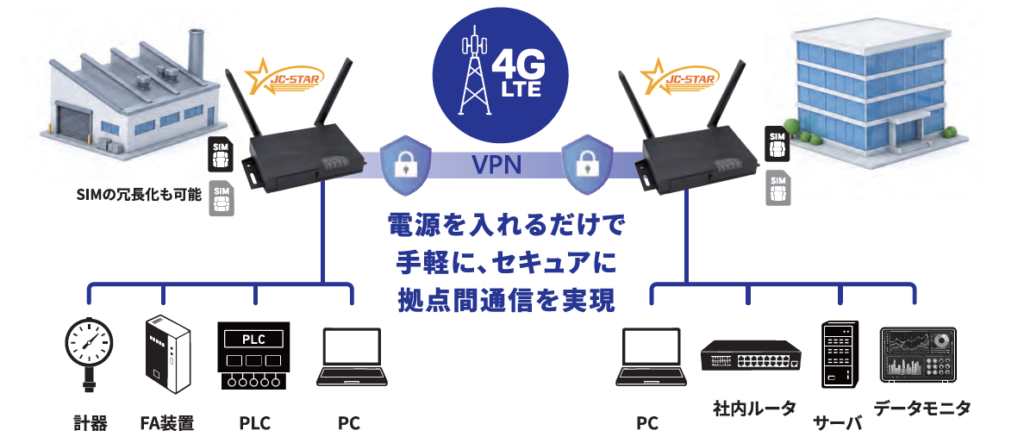
Direct Bridge Package
View this product
-
 IoT devicesCloud applicationsPackage solutions
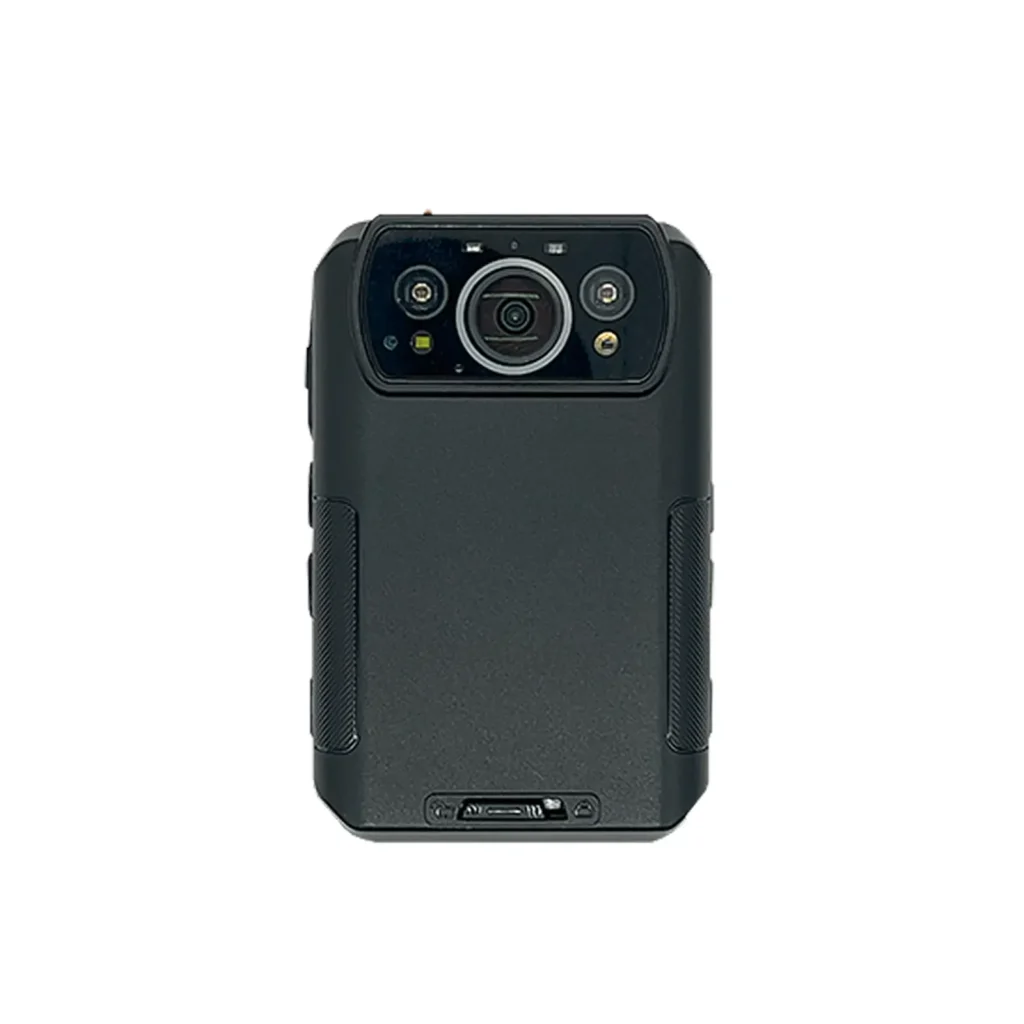
amnimo Portable AB11
View this product
-
 Package solutions
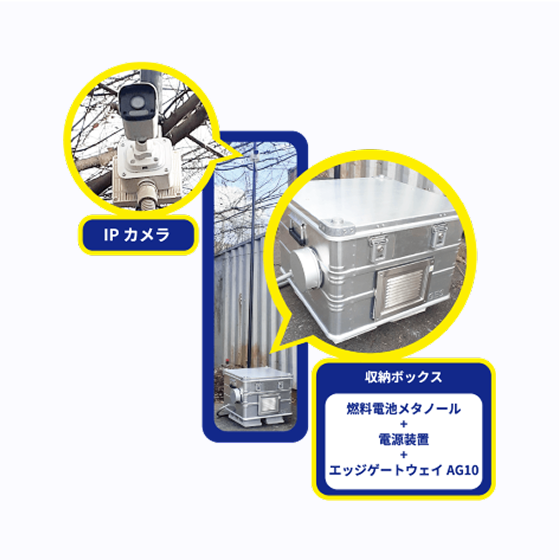
Fuel Cell Surveillance Camera Solution
View this product
Contact usProduct inquiries and documents
We can help you choose products and put together a package for your application. Consultations are free.