Continuous recording with outdoor security and surveillance cameras: outdoor risks, countermeasures, and recording methods
Mar 23, 2023
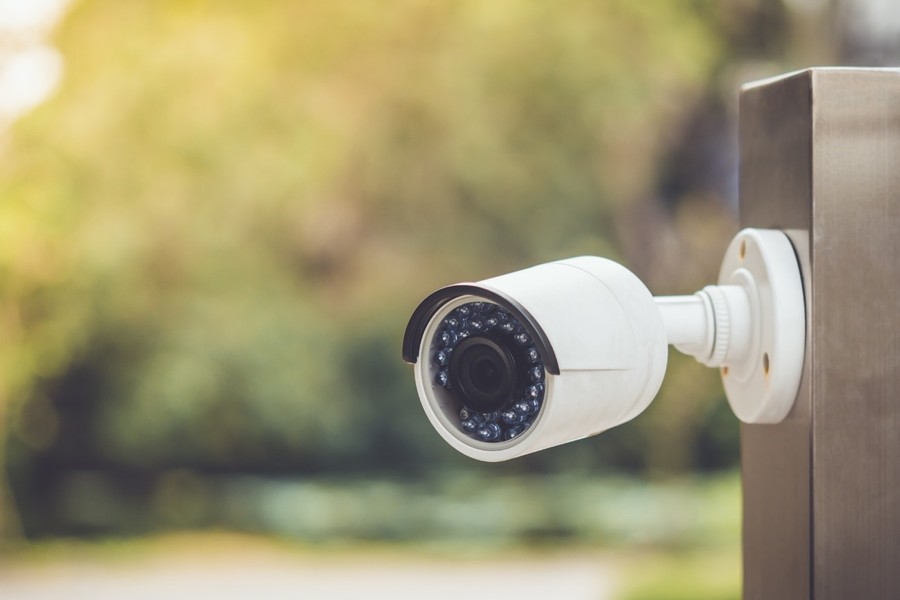
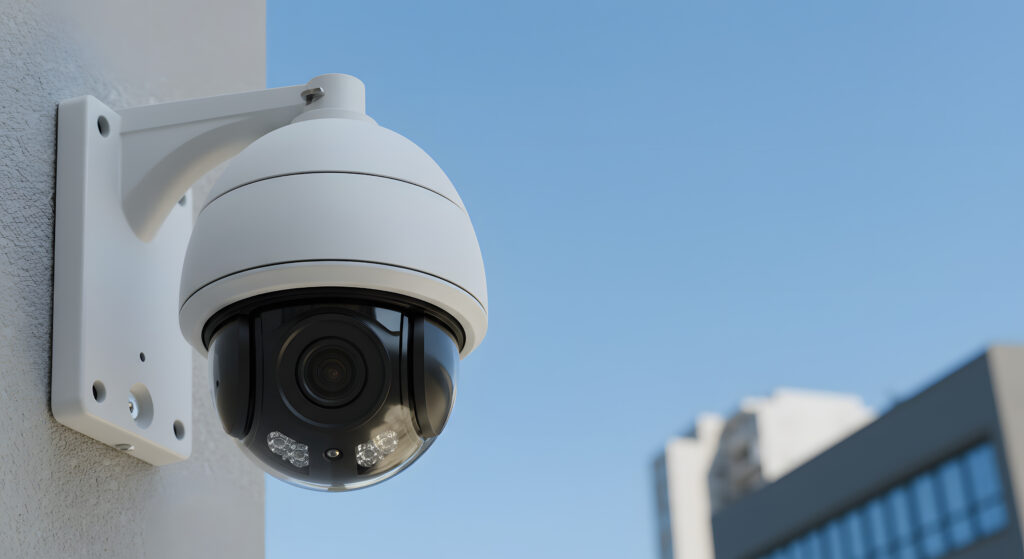
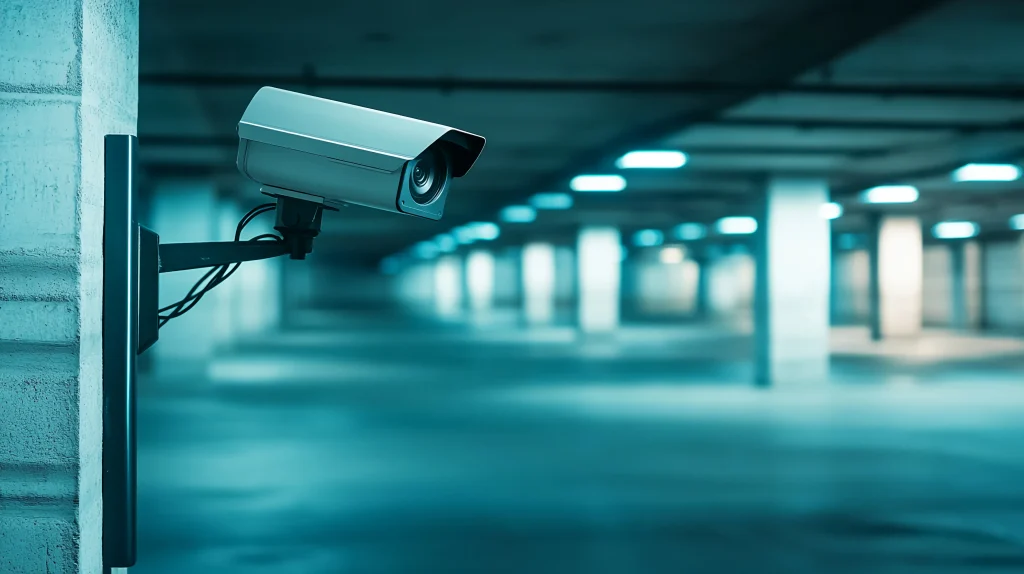
Security and surveillance cameras are commonly installed outdoors, for example in towns, in parking lots, and at the front doors of homes. Outdoor cameras and infrared cameras that can record in the dark at night are therefore popular, and network cameras that connect to the internet are also spreading. However, keeping a camera running and recording continuously outdoors takes different measures than for indoor cameras. This article introduces the risks that outdoor security and network cameras face and the measures needed for continuous recording.
Service life of security and surveillance cameras
Operating security cameras requires equipment such as the camera itself, monitors, recorders, and cables. When installed as security equipment, these are classified as “office equipment and communication equipment.” Their statutory useful life under Japanese tax law is six years, and they can be depreciated as assets for six years from installation. As a result, many security cameras actually last five to six years.
However, depending on how and where they are used, cameras often fail and stop recording before six years. Such failures prevent continuous recording. Security cameras are precision equipment, so some deterioration during use is unavoidable. Cameras installed outdoors in particular deteriorate faster because they are exposed to harsh conditions such as wind, rain, and temperature changes.
Harsh outdoor conditions
We go outside every day without thinking about it, so it may not seem obvious, but the outdoors is a very harsh environment for permanently installed precision equipment. In such conditions, security cameras can stop or fail often, making continuous recording difficult. What specific difficulties do outdoor security cameras face?
1. Direct sunlight
When a camera stays in the same place for a long time, heat from direct sunlight can build up inside it and raise the temperature above the outside air temperature. Combined with heat from the internal components, the temperature inside the device may rise more than expected, so be careful.
2. Moisture
Unless an outdoor security camera is placed under the eaves, it gets wet when it rains. Even when it is not raining, moisture such as condensation caused by temperature changes, as well as high humidity, can cause a camera, which is precision equipment, to fail.
3. Dust
If sand or dust blown by strong wind gets inside the device, it can interfere with the internal circuits and cause equipment and cameras to stop or fail.
4. Impact
Outdoor security cameras can be hit by objects blown by the wind or by birds and other animals. Such impacts can crack the lens or housing or damage the internal circuits.
5. Lightning
A lightning strike can cause a surge that briefly sends high voltage and current into equipment and burns circuit boards and cables inside. A lightning strike can also make the power supply and voltage unstable, and in the opposite case cause a momentary power interruption (Japanese) in which voltage briefly stops. In a momentary power interruption (Japanese), the power supply is suddenly cut, which can corrupt internal memory or programs and stop recording.
How to choose a camera that can record continuously in harsh conditions
To record continuously outdoors, a harsh environment for security cameras, you need to choose durable cameras and prevent failures. However, durable cameras are often expensive, so choose cameras to match the location and use. Here are indicators and standards for durability to help you when buying security camera products.
1. Operating temperature
Security cameras have a specified operating temperature range within which their functions are guaranteed to work normally. Many cameras are rated from -10°C to 50°C, but outdoor products often have a somewhat wider range. Considering the effects of direct sunlight and other factors, choose equipment with as wide an operating temperature range as possible. Note that the storage temperature range, which looks similar, is the range in which the device can be stored safely without power. It is not a range in which operation is guaranteed.
2. Dust and water resistance
Security camera specifications state the dust and water resistance rating defined by JIS (Japanese Industrial Standards), so check it. A code starting with “IP,” such as “IPXX,” shows the dust and water resistance rating. The first digit is the first characteristic numeral, which shows dust resistance in seven levels. The second digit is the second characteristic numeral, which shows water resistance in nine levels. Each rating defines what protection is provided. The highest rating, IP68, means the device is dust-tight and protected against submersion. For details, see our article on installing outdoor security cameras (Japanese).
3. Impact resistance
Like dust and water resistance, security cameras also show an impact resistance rating defined by the IEC (International Electrotechnical Commission). A code starting with “IK,” such as “IKXX,” shows the impact resistance rating, from IK00 (no protection) to IK10 (withstands the impact of a 5 kg mass dropped from 40 cm). For outdoor installation, cameras rated IK08 or IK09 or higher are said to be suitable.
4. Lightning protection
Surge protective devices (SPDs) are effective against lightning surges. An SPD diverts overcurrent that flows into a device through power or communication cables during a lightning strike and sends it to the ground, preventing damage to cameras and other equipment. In some cases, using a security camera recorder or gateway with a built-in SPD provides lightning protection with a minimum of equipment. For momentary power interruptions (Japanese), it is important to use a backup power device called a capacitor so that the equipment keeps running long enough to save data safely, even if the power supply is briefly cut. Installing a dedicated power storage device for outages, or choosing cameras and peripherals with built-in power storage, reduces the risk of damage from outages.
Data storage methods to consider for continuous recording
For continuous recording, how you store recorded data also matters. Continuous recording produces large amounts of data, so you need a place where data can be stored reliably. Depending on the storage method, even if the camera keeps running, recorded data may be corrupted and you may not be able to view the data you need. If you cannot view the data you need, continuous recording is pointless. There are several types of storage, so choose the one that suits your use and purpose.
1. HDD
HDD stands for hard disk drive, a storage medium commonly used to store data on PCs and servers and to record TV. Its large maximum capacity makes it usable in security camera recorders. Its weakness, however, is that it is sensitive to vibration. It is also too large to build into a camera. For these reasons, it is safer to avoid HDDs, especially when installing security cameras in harsh outdoor conditions, because of the risk of data corruption.
2. SD card
SD cards are storage media used in digital devices such as smartphones and digital cameras. They are relatively inexpensive and easy to handle, and many security cameras use them. Because they are small, they are sometimes inserted directly into the security camera. However, their capacity is small, so they need regular replacement. Outdoor cameras are often installed where maintenance is difficult, so running costs tend to rise. SD cards also have a limit on the number of writes, so the risk of data corruption is high.
3. SSD
SSD stands for solid state drive, a storage medium that uses semiconductor memory. HDDs have long been used to store large amounts of data, but SSD capacities have grown in recent years, and SSDs are now drawing attention and used in laptops and other devices. They have a low risk of failure from impact and are small, so they are spreading in the security camera field as well. In particular, their very fast read and write speeds are a great help in security camera systems, which handle large video data. For outdoor installation, SSDs generate little heat, so even with direct sunlight they keep the temperature rise inside the device to a minimum. They also use little power, which makes them easy to use outdoors where power can be unstable. The disadvantage is that the price per unit of capacity is higher than for HDDs.
4. Cloud
The three methods above store data on storage media. In the security camera field, there is also a growing move to manage data in storage on the internet (the cloud) rather than on hardware. Some cloud services have no capacity limit, so you can store far more data than on storage media. The biggest advantage of the cloud is that you can play back data and operate pan, tilt, and zoom remotely. You can also view data from multiple cameras at once on a smartphone, tablet, or other device, which is very convenient. As a result, many types of cameras that connect to the internet, called network cameras or IP cameras, are on the market. However, using the cloud requires a network environment. Outdoors, there is often no Wi-Fi, and installing internet access takes money and time. In such cases, a wireless system using an LTE or other carrier network is a good option. However, uploading large camera video over LTE can lead to high communication costs. There is also a risk that you cannot get recorded data when communication becomes unstable.
5. Cloud combined with SSD
To solve the disadvantages of the cloud, there are also systems that combine the cloud with an SSD, based on the idea of edge computing (Japanese). In these systems, data is basically stored on a storage medium such as an SSD. Only the necessary data on the SSD is uploaded wirelessly to the cloud, where you can view it remotely on a PC screen or other device. Unneeded data stays on the SSD without using the LTE connection, so you can operate the system while keeping communication costs down. Even if communication is unstable, data is recorded on the SSD, so the risk of data loss is kept to a minimum.
Recording settings and data volume in continuous recording
We introduced data storage methods, but storage media such as SD cards and SSDs in particular have limited capacity. The capacity determines how long continuously recorded video can be kept. To keep recorded data for longer, using storage with a large capacity is important, but recording settings also matter. Changing the recording settings compresses the video data itself, so the same storage capacity can hold video for a longer period.
Video data volume also matters when you store data in the cloud. Especially if you constantly upload continuously recorded data to the cloud, communication costs can be higher than expected. You therefore need to change the recording settings to adjust the data volume to a suitable level. In this way, the storage method and data volume need to be considered together. Let’s look at which settings you can use to adjust the data volume.
1. Resolution
Resolution is the density of an image, also expressed in pixels. An image is made up of many small dots, and resolution shows how densely they are packed. The higher the resolution, the better the image quality, but the larger the data. Lowering the resolution lets you keep data for longer, but if you lower it too much, the image becomes too coarse to tell what is in it. Adjust it while keeping a balance.
2. Frame rate
Frame rate is the number of still images per second, measured in FPS. Video shows still images in sequence, so to the human eye things appear to move. The higher the frame rate, the smoother the motion, but the larger the data, so be careful with continuous recording.
3. Compression format
The main compression format today is H.264, which compresses more than twice as efficiently as the older MPEG-2. In recent years, formats such as H.264+ and H.265+ with even higher compression efficiency than H.264 have been announced, and the technology is advancing rapidly. Use these new technologies to handle large continuously recorded video data efficiently.
Note: Do you really need continuous recording? Motion detection
Motion detection (Japanese) is a function that detects when an object or person in the video moves. With security cameras, for example, it can work with a video recorder to record video automatically only when the movement of a suspicious person is detected. This is no longer continuous recording, but considering whether you really need continuous recording may help you run your security cameras more efficiently.
How to maintain security and surveillance cameras
To use security cameras continuously for a long time and keep recording without interruption, maintenance is essential. Cleaning cameras regularly extends their life and reduces the risk of failures and stops that interrupt continuous recording. Maintenance is also important for finding problems that have not yet surfaced. For proper operation, maintenance every one to two years is recommended.
Security camera maintenance generally includes the following.
- Operation check
- Cleaning the lens, housing, and mounting
- Checking the wiring to the camera and gateway
These tasks check whether the security camera has any problems or faults. Hard disks and cables are consumables, so check their condition and replace them as needed. Security cameras installed outdoors need especially careful maintenance.
Doing proper maintenance yourself may feel like a lot of work. You can also hire a contractor for maintenance, so consider that option. Especially for security cameras installed for industrial use, careful maintenance by a contractor gives more peace of mind. Maintenance services differ by security camera contractor. How quickly they respond to a maintenance request also matters.
Summary
Security cameras installed outdoors must keep running in harsh conditions, so continuous recording is not easy. However, if you keep the points in this article in mind, you can reduce the risk of finding out too late that nothing was recorded, and easily achieve continuous recording and monitoring outdoors. If you have any problems, contact us at amnimo.
Contact usProduct inquiries and documents
We can help you choose products and put together a package for your application. Consultations are free.