How to choose security cameras: security, surveillance, and protection systems drawing attention from security companies
Mar 25, 2023
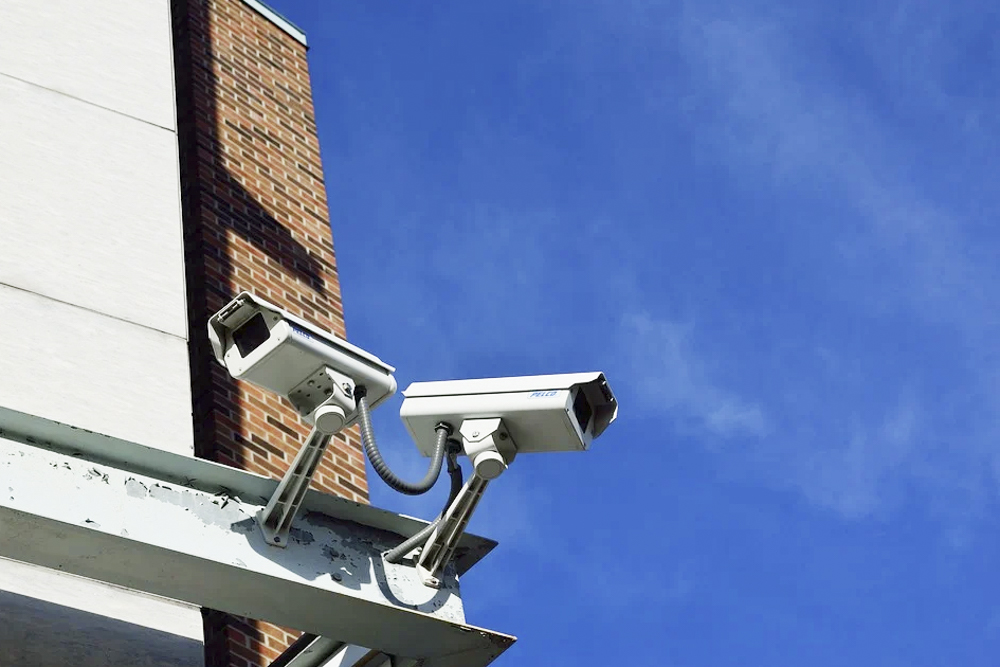
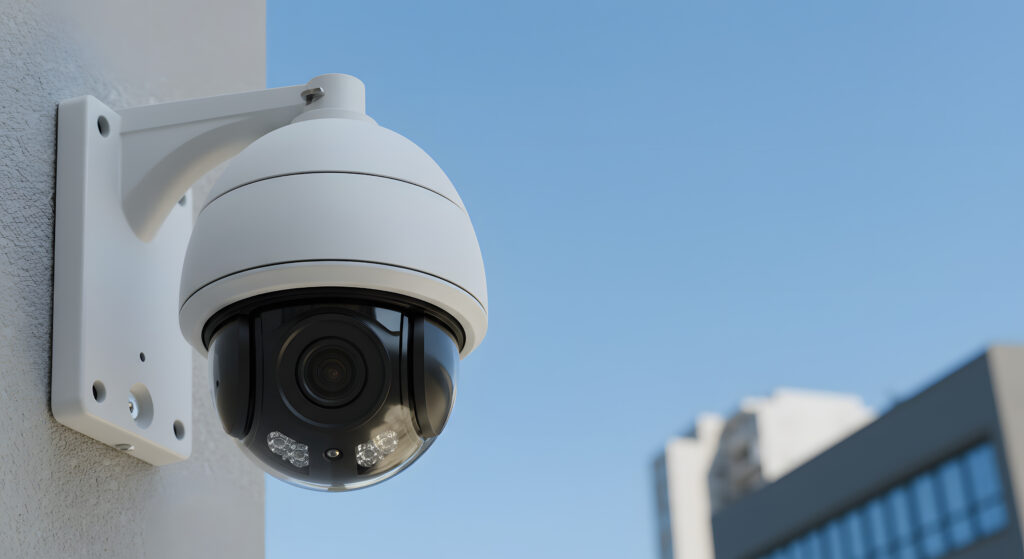
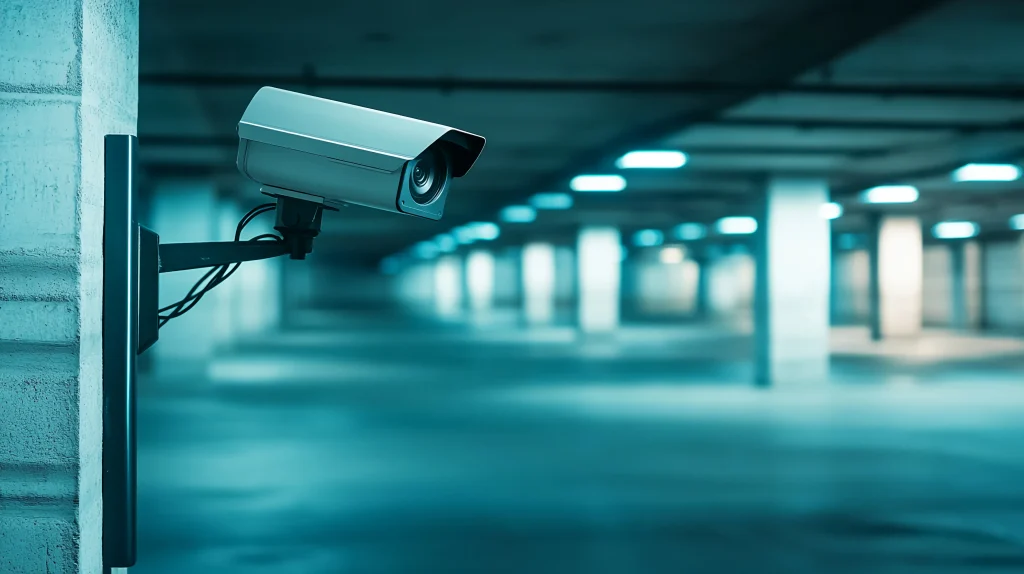
Today there are many situations that call for security. Installing security cameras is becoming standard not only for crime prevention at offices, factories, buildings, and other facilities, but also for watching over older people and for home security.
However, you do not use a camera with exactly the same performance and functions for every kind of monitoring. There are many types, differing in video detail, storage method, maintenance needs, and more, so it is important to choose a camera suited to what you need to record.
This article explains the key points for choosing security cameras for security work and the popular cloud-based remote security systems.
Key points for choosing security cameras for security work
When choosing security cameras for security work, it is important to think carefully about what you will monitor and how, and what performance and functions you need for that.
Here are three key points to focus on when choosing security cameras for security work.
Camera functions that capture fine detail
The image quality of security camera video improves every year. Even comparing only basic models, pixel counts are about five times what they were 10 years ago, and video is much clearer than before.
For security cameras, the basic model today is 2 megapixels, which is full HD quality. Cameras with 1 megapixel or less have coarse images, so they are not recommended except for specific monitoring purposes.
On the other hand, cameras with 4 megapixels or more record high-quality “2K” video, about half of 4K, and cameras with 5 megapixels or more record surveillance video at the highest level.
Depending on the area and location you monitor, you also need to pay attention to the type of lens. Lenses include standard lenses, wide-angle lenses that cover wide areas, and telephoto lenses that capture distant objects large. It is important to choose a product based on how you want to monitor.
When comparing image quality, we recommend looking not only at pixel counts but also at video close to what you will actually monitor. Getting a feel for the level of detail, not just the numbers, helps you choose with more confidence.
Recording format for recorded images
In the past, most systems were analog and recorded video on videotape, but as of 2021, digital systems that store video as computer data are the mainstream.
Digital systems digitize and compress video signals, record at high resolution, and do not degrade with repeated playback, so they are well suited to long-term storage.
Digital systems include types that record video on a recorder such as a hard disk, types that save directly to a PC, and types that save to a cloud server over the internet.
Each has a different price and different maintenance and operation methods, so consider the advantages and disadvantages of each carefully before choosing.
Functions suited to the security situation
Where surveillance cameras are installed varies by use. For example, to watch a crib on the other side of a wall from the kitchen at home, an indoor camera that you just place on a table may be enough. But to monitor who comes to your front door over a wide area, you need an outdoor camera, even if it is under the eaves.
For 24-hour monitoring of a parking lot run by a company, an infrared camera (thermal camera) (Japanese) that records in detail even at night is useful, and for continuous recording, a solar-charged power supply is convenient. To monitor a condominium entrance or an entire office floor at as close a range as possible, a camera that records 360 degrees is another option.
If you want security cameras only for a certain period, you can also rent a full camera set. Plans that rent a complete system, including cameras, recorders, and other peripherals, have an initial fee and a monthly fee.
In this way, narrow down your choice of surveillance camera based on what you want to monitor and in what environment and how you want to use it, and focus on the performance and functions that suit your needs.
Why we recommend cloud surveillance cameras
Among digital surveillance camera systems, cloud surveillance cameras have become popular in recent years. They differ greatly from conventional local surveillance cameras in how video is stored.
Overview of cloud surveillance cameras
A cloud surveillance camera system connects video data recorded by network cameras to a gateway device and sends it automatically to a cloud server over the internet.
Security companies often provide everything together, from cameras and the necessary cables to gateway devices and cloud services. Video is stored on the contracted server for the number of days set in the contract.
No recorder needed
A cloud surveillance camera system stores everything in the cloud. Major advantages are that it needs no space for equipment or wiring work, so it is relatively easy to introduce, and no maintenance of recorders, which wear out fastest in surveillance camera systems.
Check images online anytime
With a cloud-enabled surveillance camera system, surveillance video is stored as data in the cloud, and you can check it anytime, anywhere over the internet.
For example, when you check video as evidence after shoplifting in a store, you can check it not only on an office PC but also on a smartphone from outside, and many people can view it at the same time on separate devices.
With a local surveillance camera system, you can no longer check video if the recorder is stolen or breaks, but with cloud management you do not have to worry about this.
All you need is an ID and password to check video from another PC. However, cloud server fees vary with the capacity used, so consider carefully whether the fees match your needs.
Remote alarm security systems have also been developed that upload video to the cloud only when a sensor detects something unusual. In that case, communication costs can be greatly reduced.
Summary
Today, digital surveillance camera systems, which store surveillance video as computer data, are the mainstream. Surveillance cameras themselves are improving every year, and cameras with 2 to 4 megapixels are now widely used.
However, there are many types of surveillance cameras with different performance and functions. When choosing one, pick a camera that fits your purpose, such as what you want to monitor and how, for example an infrared camera for recording at night, or a wide-angle lens or 360-degree camera for recording a wide area.
We recommend popular cloud surveillance camera systems, which make maintenance and video storage and checking easy. Using a cloud surveillance camera system with cameras suited to what you monitor should let you achieve the security you want with ease.
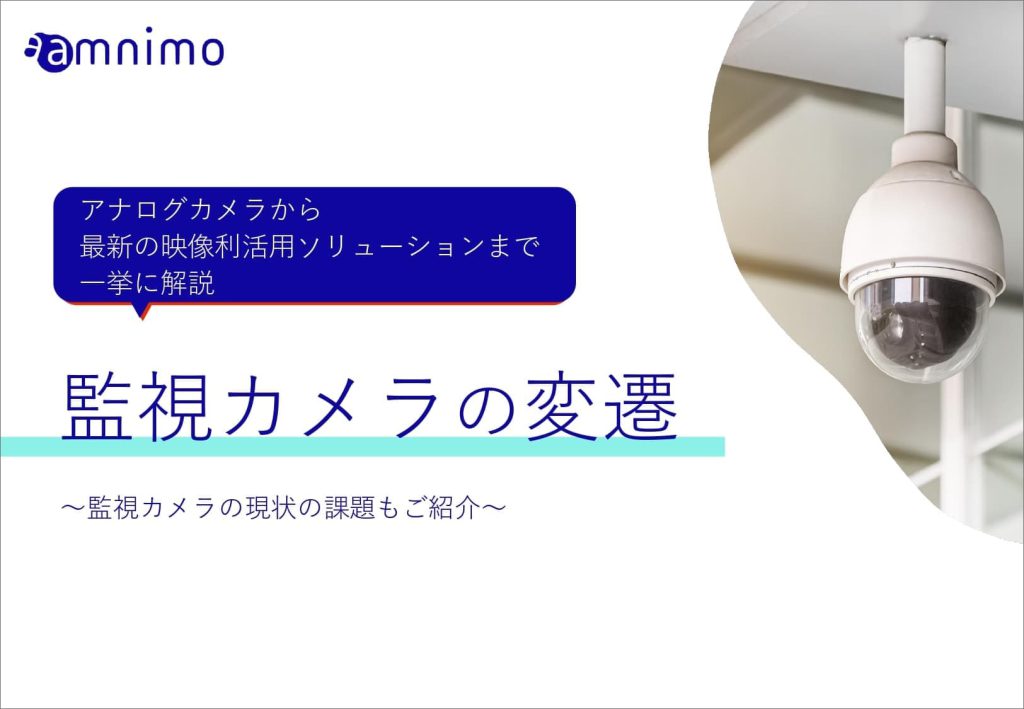
The following white paper explains the history of surveillance cameras and current challenges, if you are interested.
Contact usProduct inquiries and documents
We can help you choose products and put together a package for your application. Consultations are free.